In large datasets you may want to search on your chart dashboard for a particular column.
This can be done as follows:Go to your chart dashboard. For this dataset there are 113 columns visible. To quickly find a column you can use the search option on the left. 1chart dashboard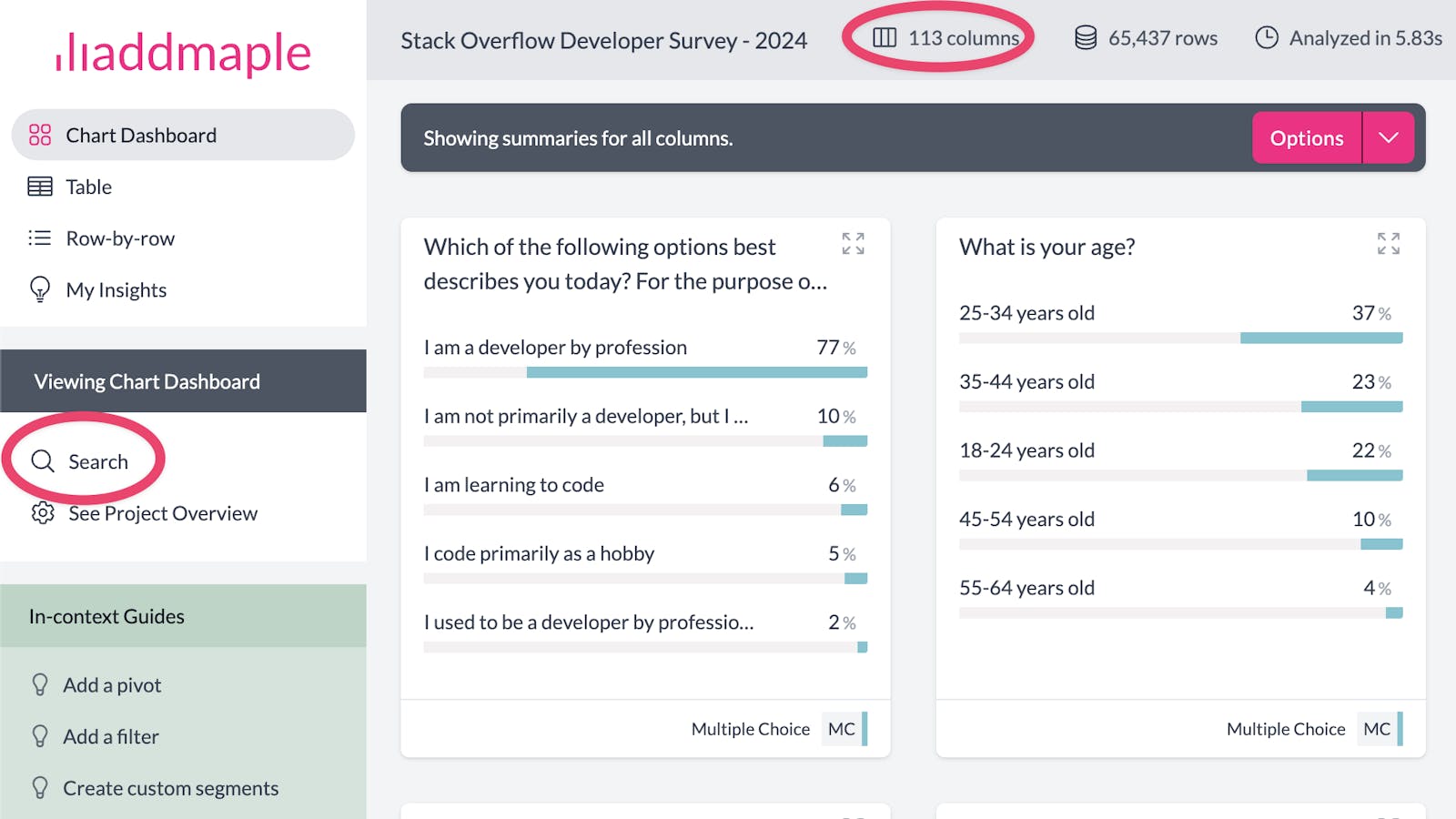
Type in the search input field to filter your chart dashboard. AddMaple will first find columns with a matching column name. In this example we've matched columns that have the word "database" in the column name. 2chart dashboard search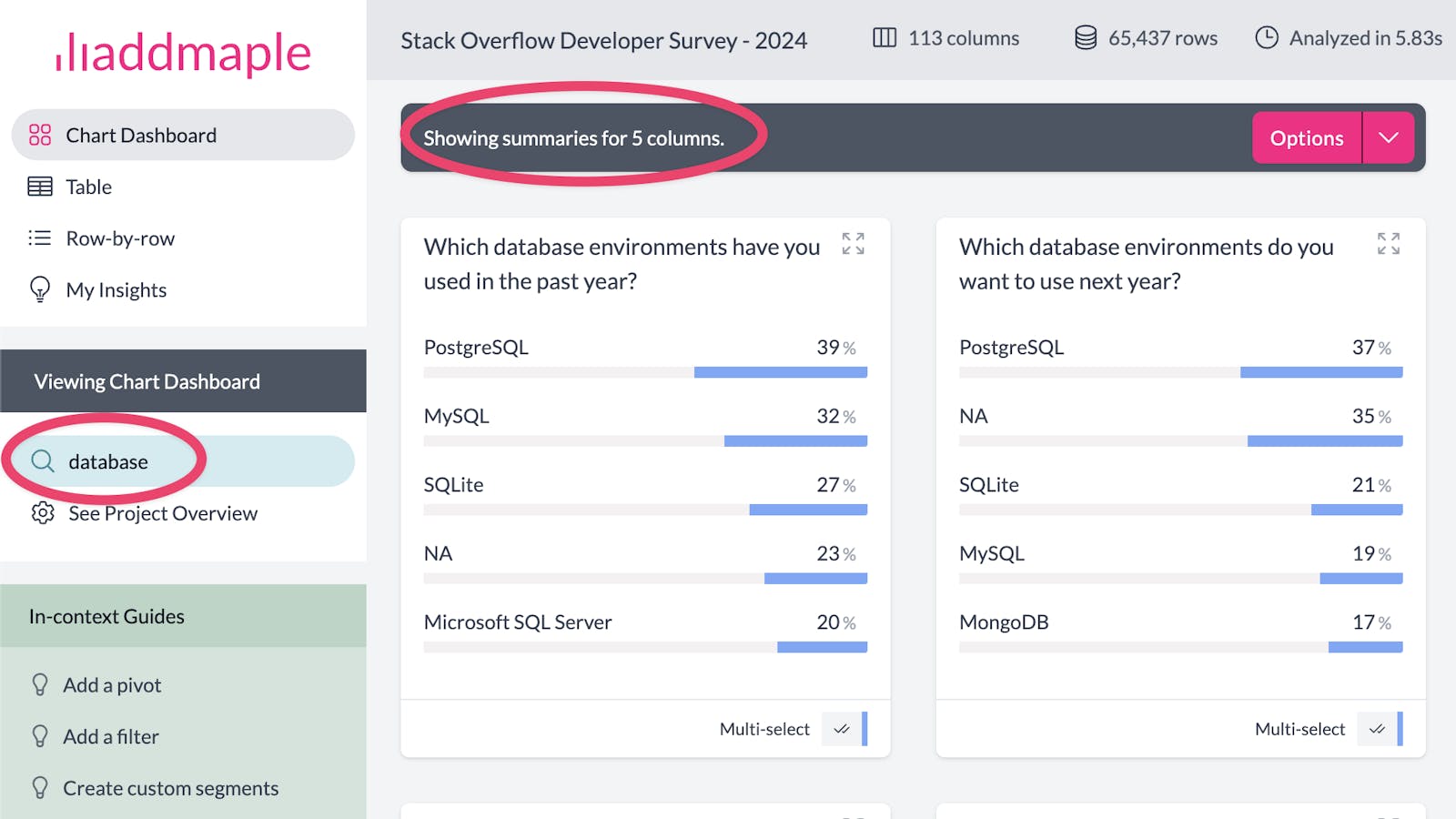
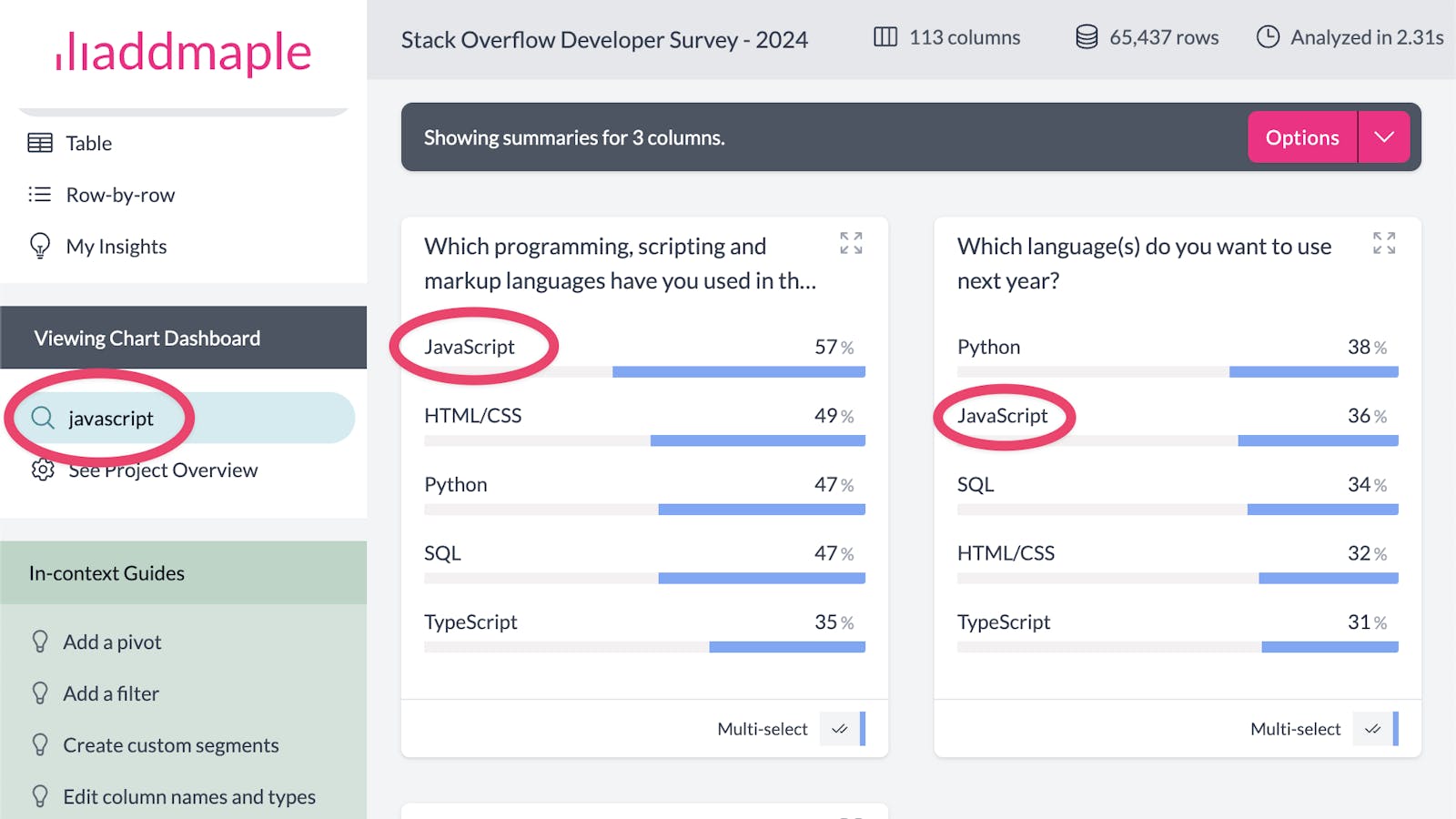
If no column is found with a matching name, AddMaple will search within categories in a column. In this example columns have been found that have the word "javascript" as one of the categories. 3searching for columns