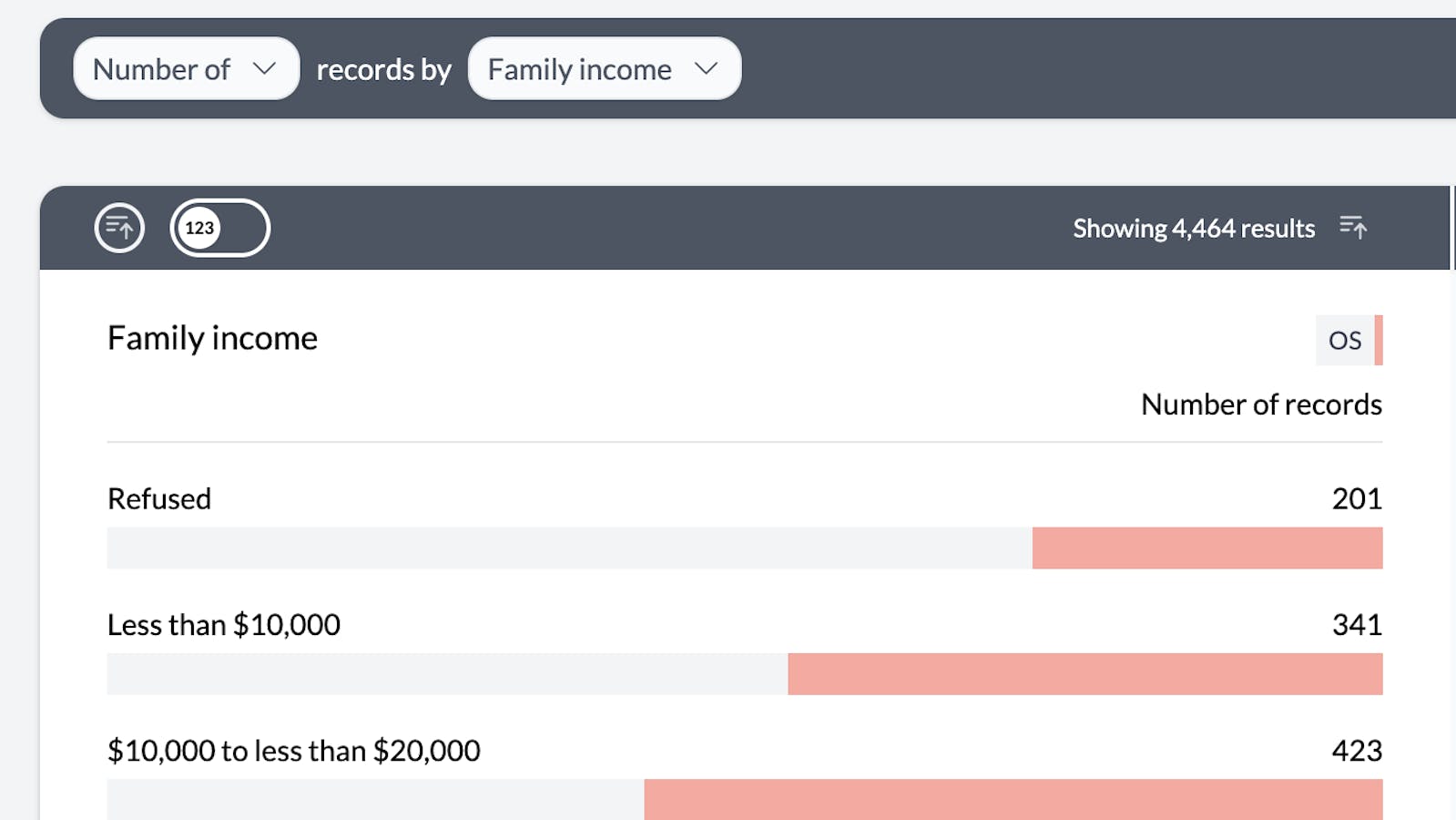
You can add a pivot no matter what screen you are on in AddMaple by using the Options menuClick the pink "Options" menu and select "Add Pivot" 1options menu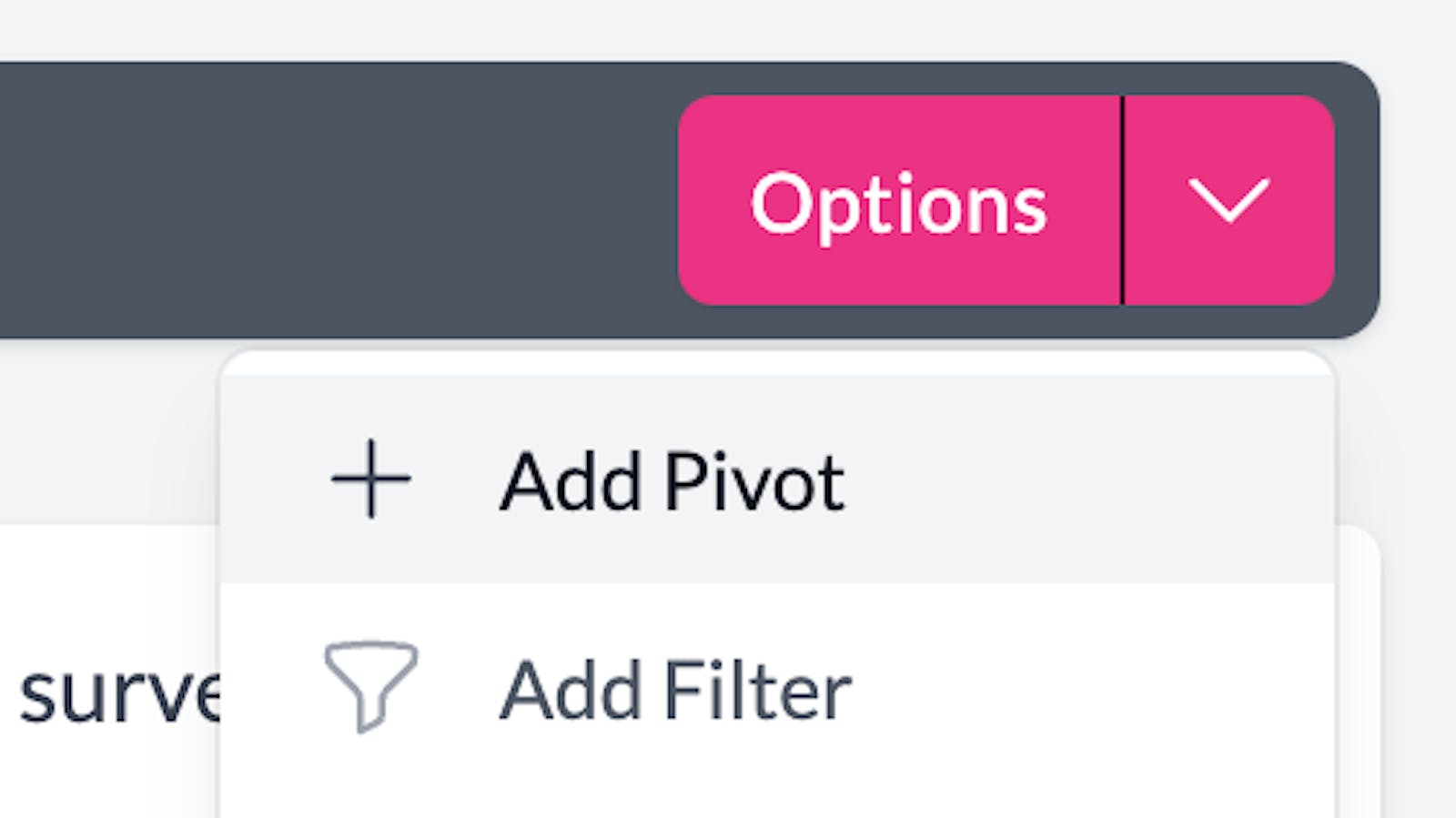
This will add a new pivot dropdown menu to the sentence bar, click "Please select" and you will be shown all the columns in your dataset. 2pivot options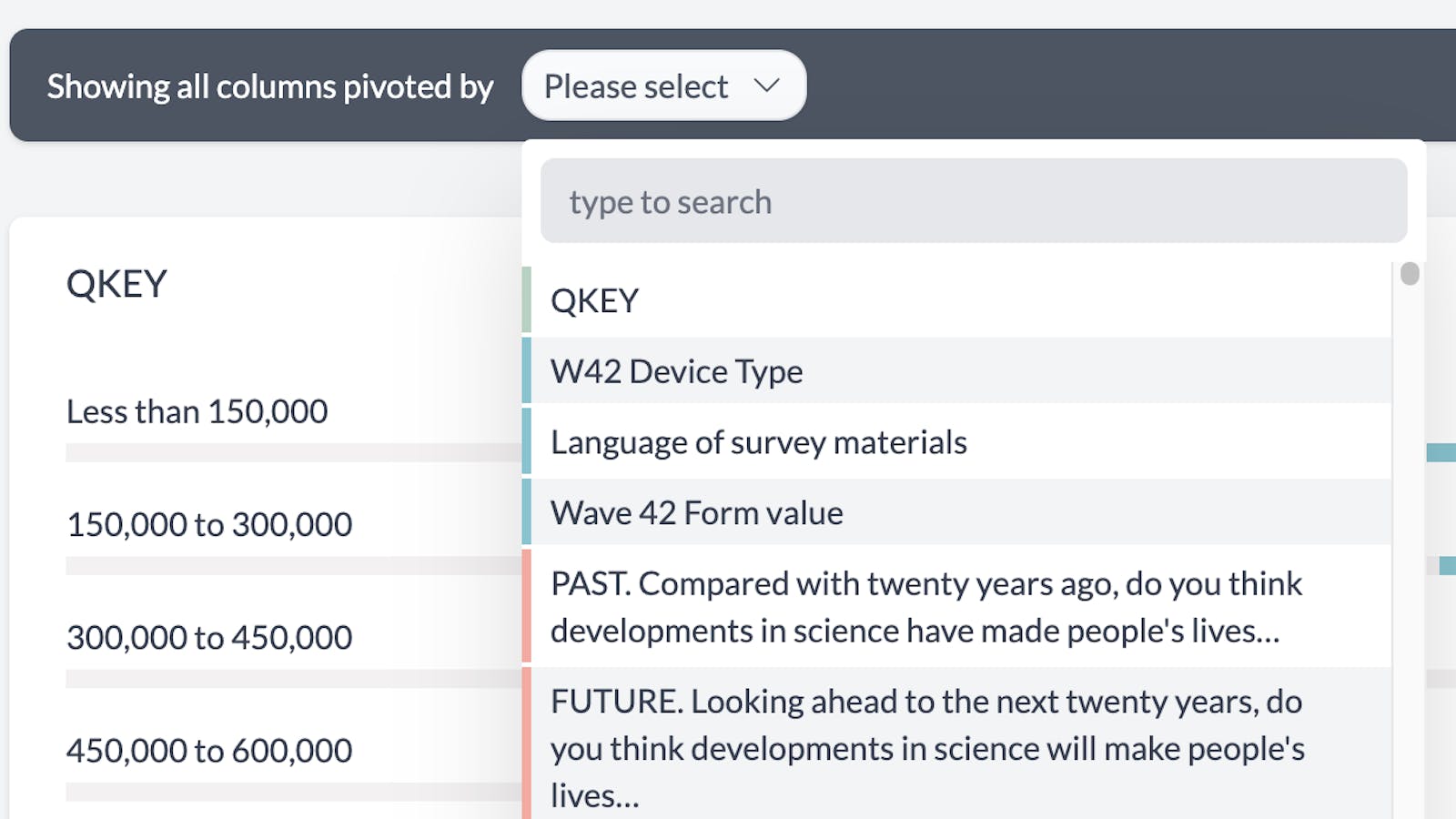
You can either type to search for your column or scroll down to find it. 3pivot search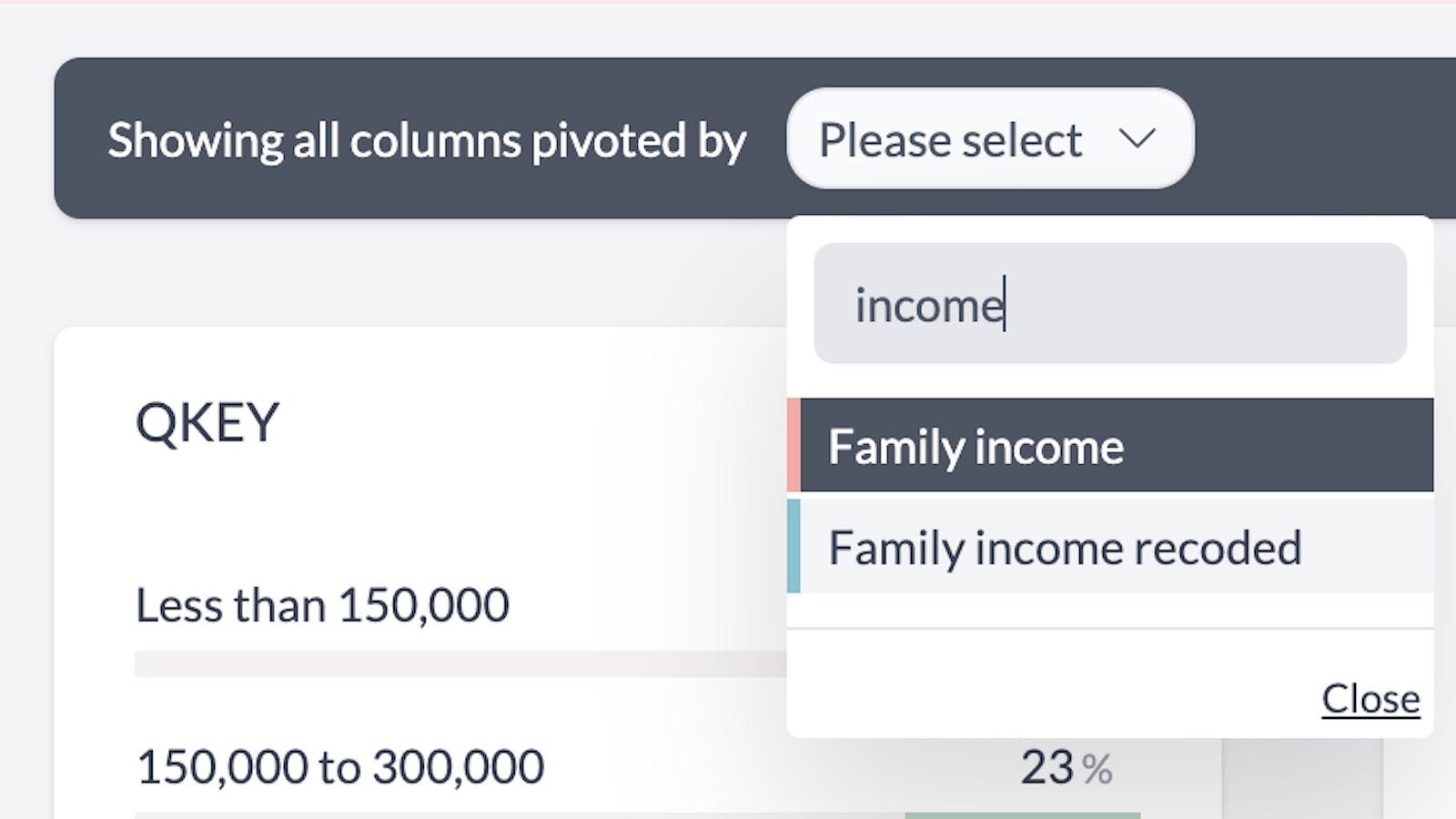
Either press enter or click the column you'd like to pivot by and you will be taken to a pivot chart. 4pivot chart