Sentence Builder
How to aggregate by another column
AddMaple allows you to aggregate one column by another. For example if you have a numeric column - Salary, and a categorical column - Age Range, you can use AddMaple to view median salary by age range.You can aggregate from any pivot chart by clicking on the "Number of" button in the sentence bar. 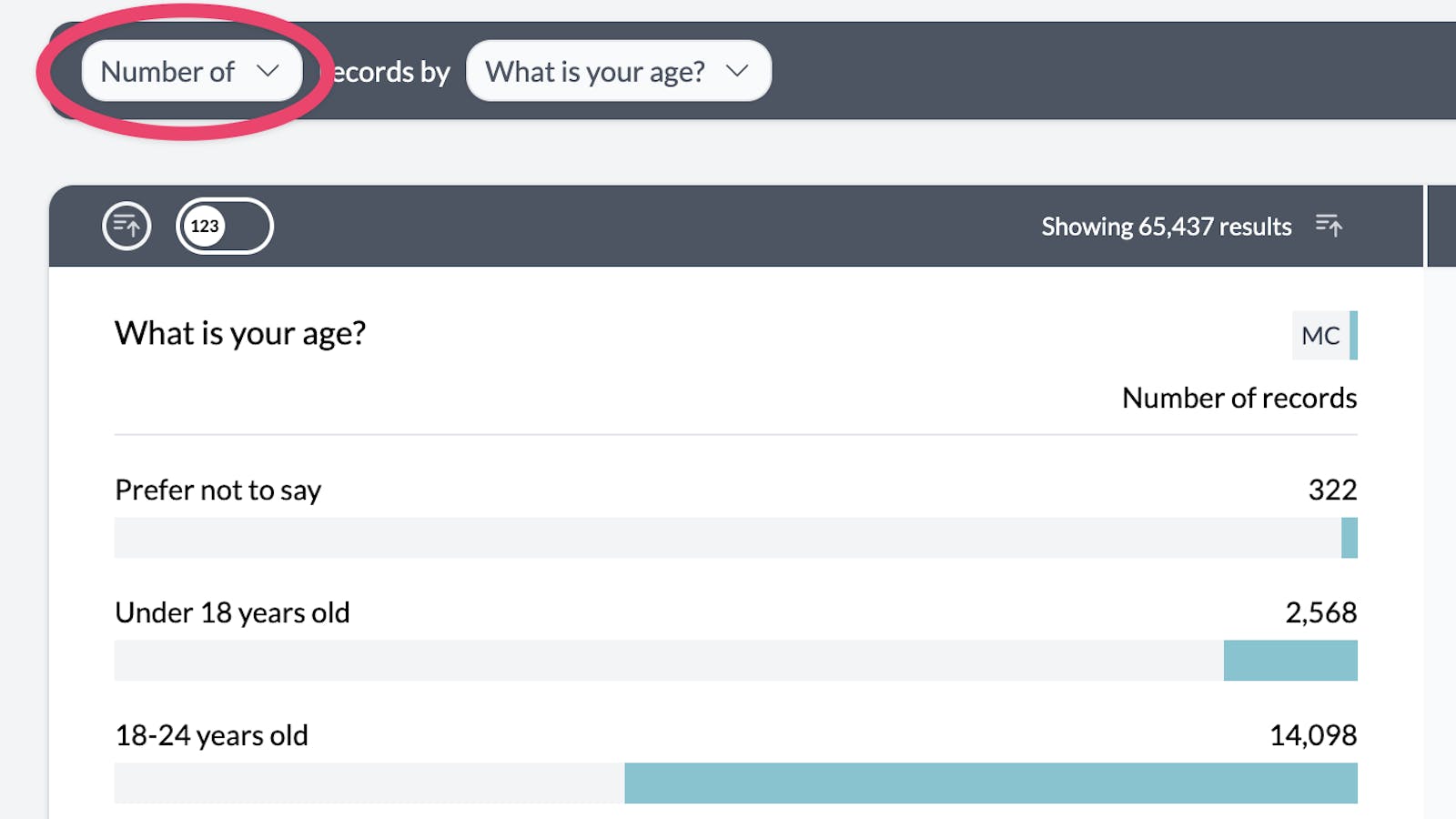
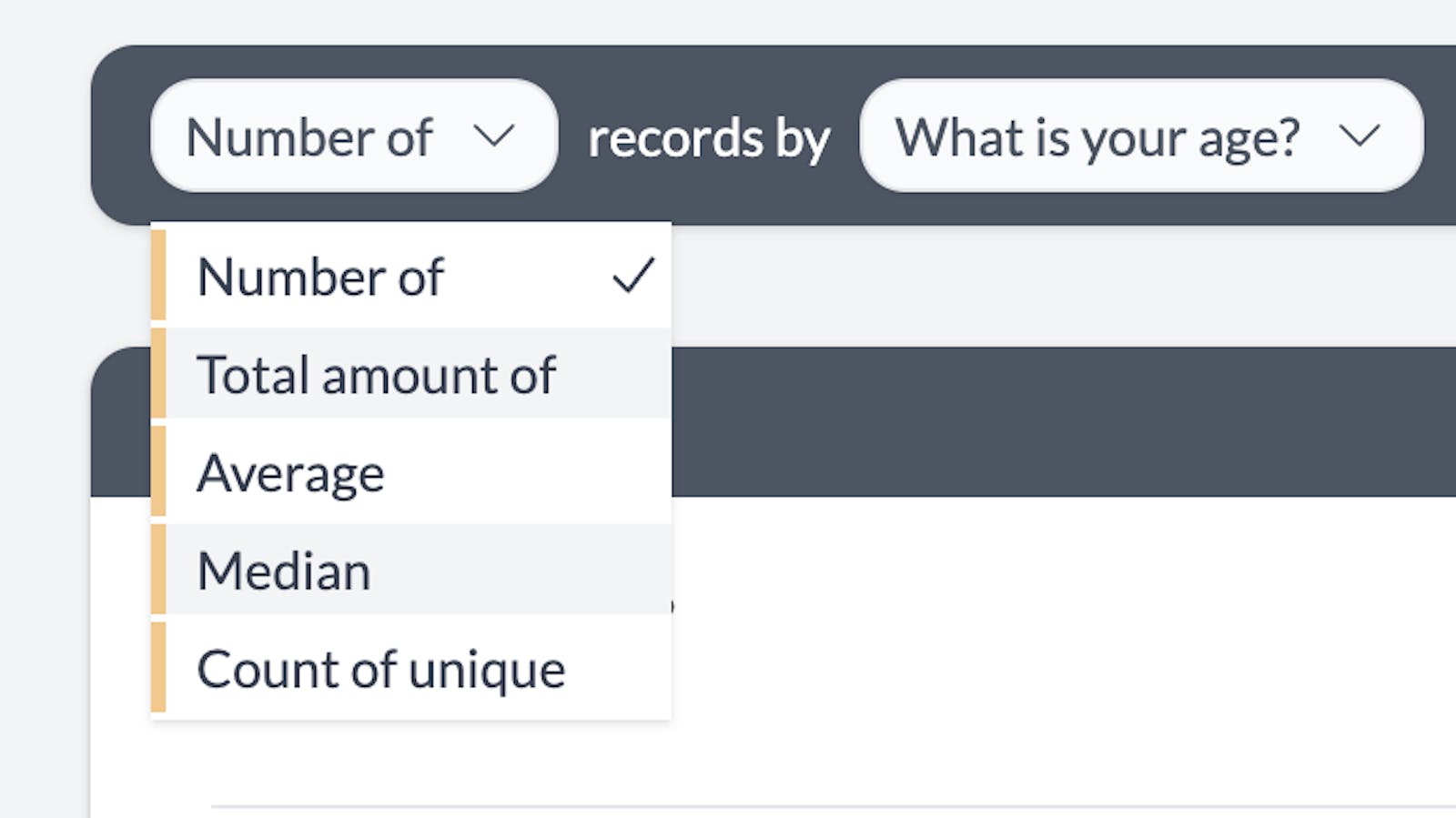
This will bring up the aggregation options.
- Total amount of - this is like SUM on a spreadsheet, when you select this you will be given a list of numeric columns to choose from
- Average - this is like AVERAGE on a spreadsheet and calculates the mean. After selecting you will give given a list of numeric columns to choose from
- Median - this calculates the median and also requires you to select a numeric column
- Count of unique - this allows you to aggregate by a categorical column. There is an example further down in this guide.
Once you select an aggregation type, AddMaple will add another dropdown allowing you to select your aggregation column. 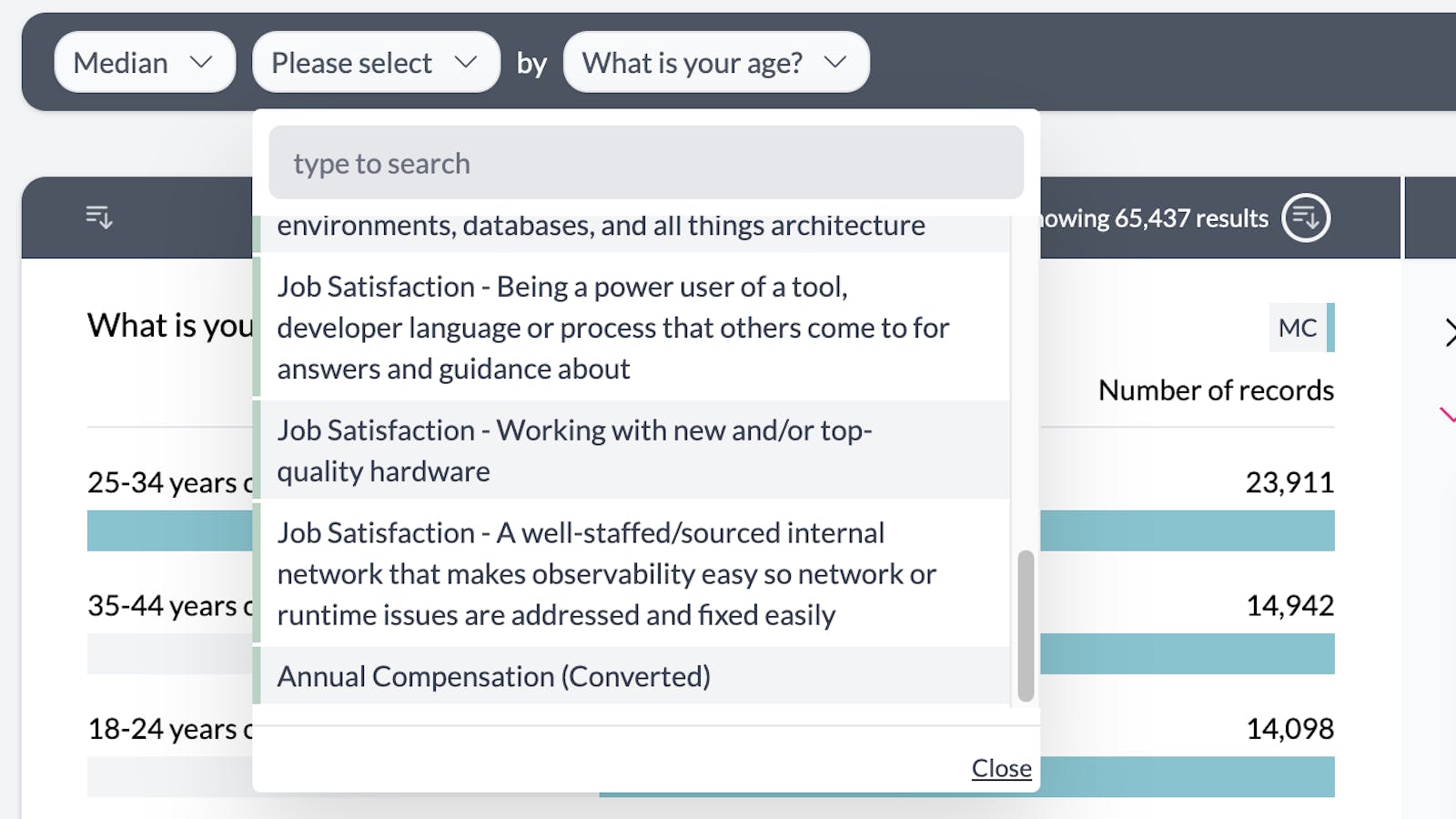
In this example we can see the median annual compensation per age range. 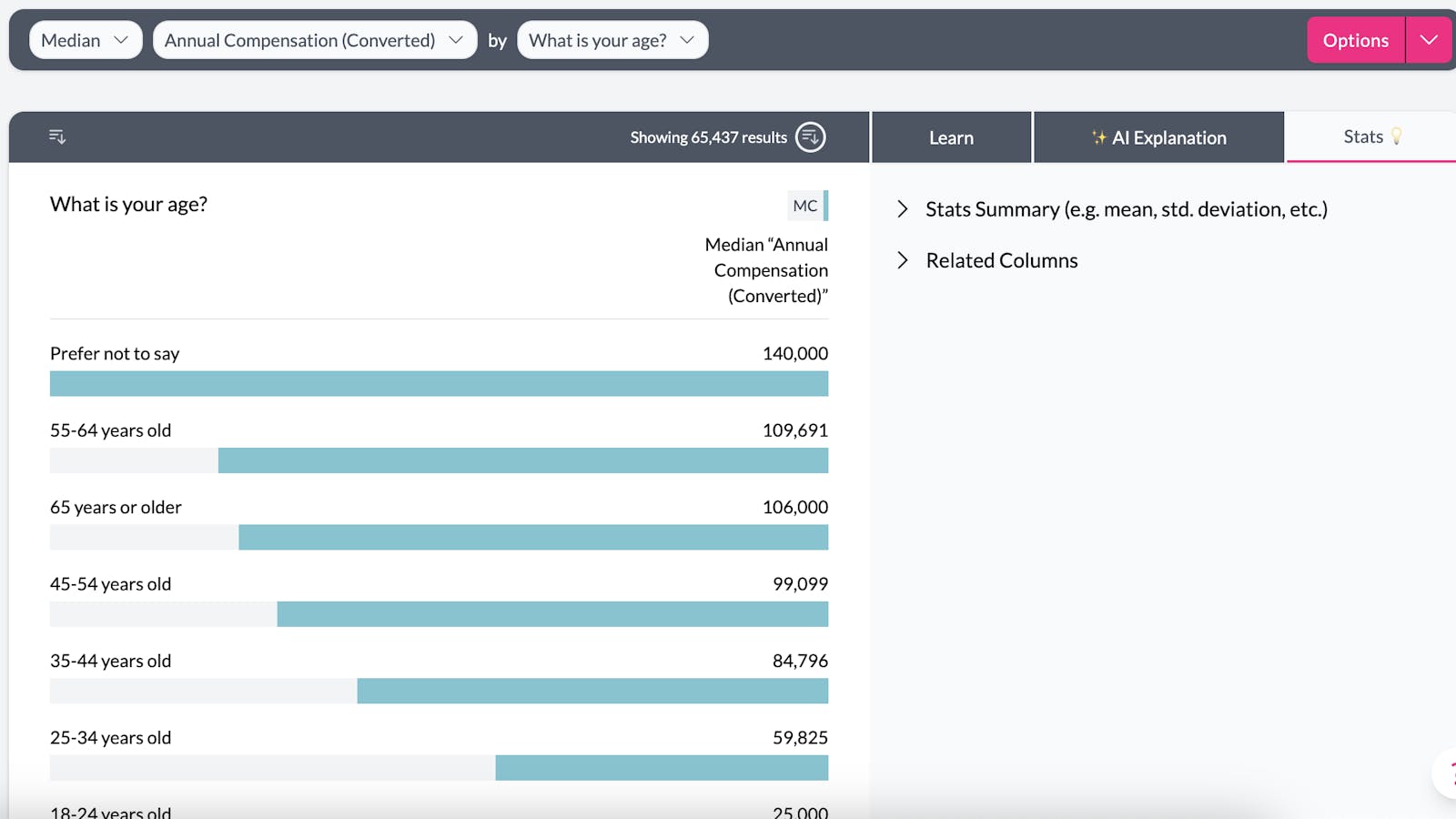
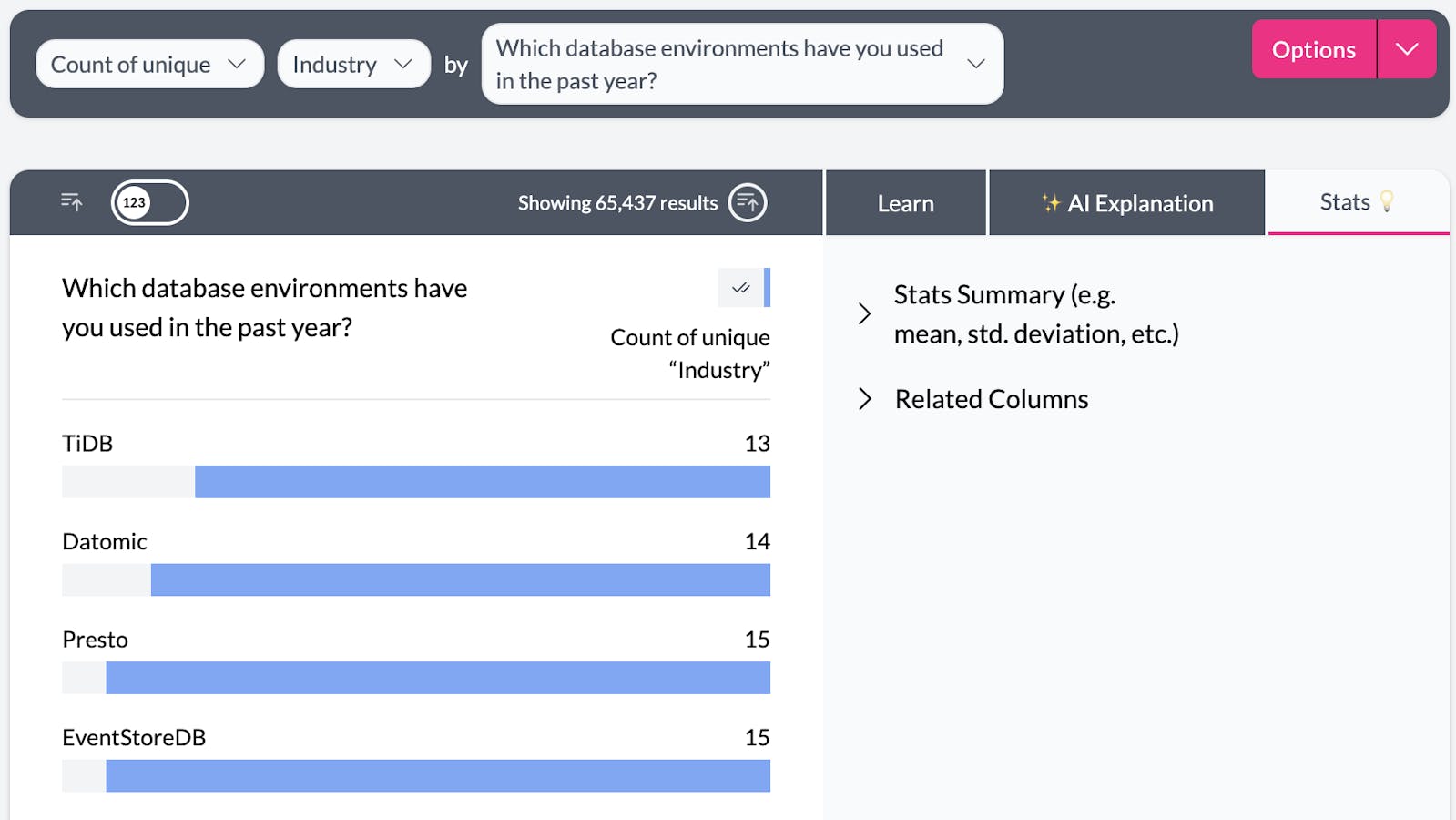
This is another example showing the "Count Unique" aggregation option. Here we can see the unique industries represented per database environment (this is from a developer survey).