Add Maple

AddMaple V3 is here! Learn more

SPSS SAV to CSV Converter (Update)

We no longer offer a standalone SAV-to-CSV converter.

AddMaple is built for analyzing SPSS survey data, with instant charts, pivots, dashboards, and AI-powered thematic coding.

No upload required. Explore the full product using a sample dataset.

Just looking for a quick conversion?

If you only need a one-time file conversion to open your data in Excel, AddMaple probably is not what you are looking for.

We focus on what happens after conversion: exploring survey results, analyzing verbatims, running stats, and producing dashboards stakeholders can actually use.

Jump to free ways to convert a .sav file

Sample Dataset Demo

Looking for real analysis?

Explore AddMaple on a sample survey dataset and see stats, charts, thematic coding, and dashboards in minutes.

StatsThemesDashboards
Experience AddMaple
Susan Baier

“I don’t think I’ve ever had a relationship with a software company that was as responsive. I love working in AddMaple. My team loves working in AddMaple. My clients love AddMaple.”

Susan Baier — Founder & CEO, Audience Audit

Delivering Insights Shouldn't Take This Long

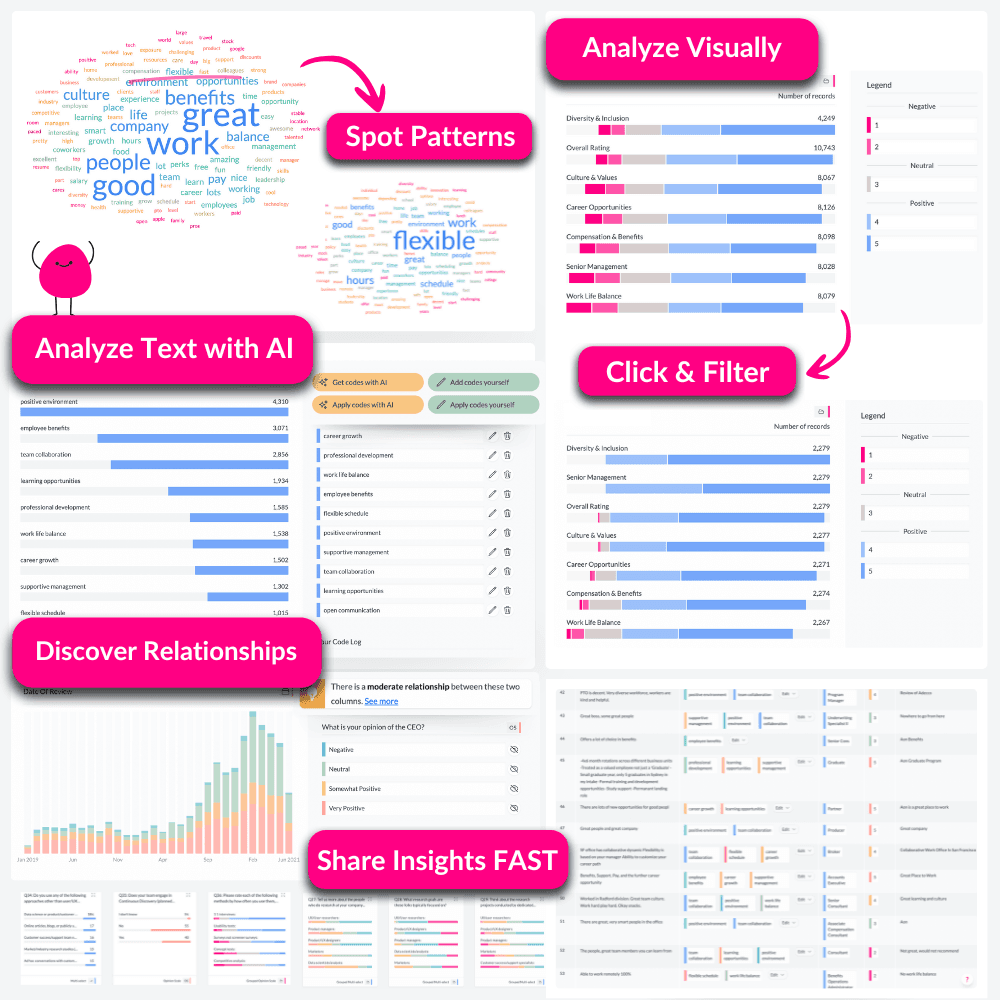
Most analysis tools aren't built for surveys and feedback. They don't handle "select all that apply" or grids. Analysing a single question takes more steps than it should. Insight discovery hinges on outsourced data table prep, then endless Excel scrolling - hoping to spot what is important.

😰

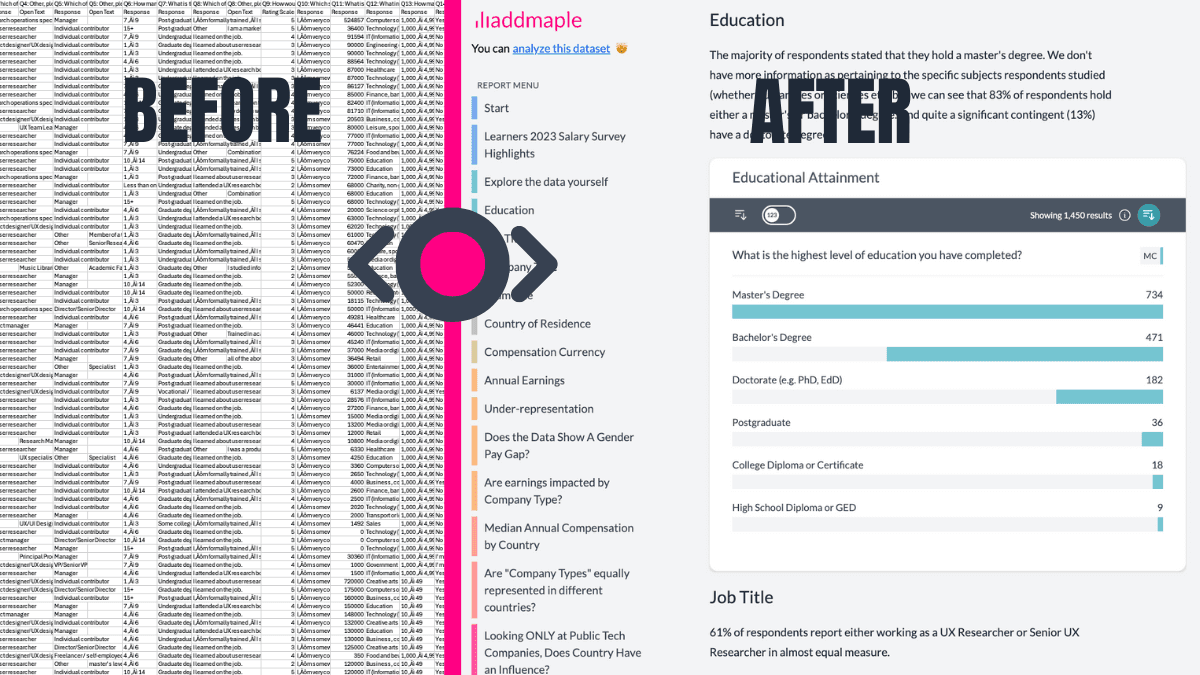
Too much time lost on data preparation.

😰

Verbatims are either ignored, or analyzed in other tools, losing all links to the quant data.

😰

Spreadsheets break on large files and require endless formulas.

😰

Insights trapped in decks; dashboards out of the question - too slow and costly.

😰

Old-school stats, steep learning curve, one manual test at a time, leaving insights untapped.

Life Saver 01

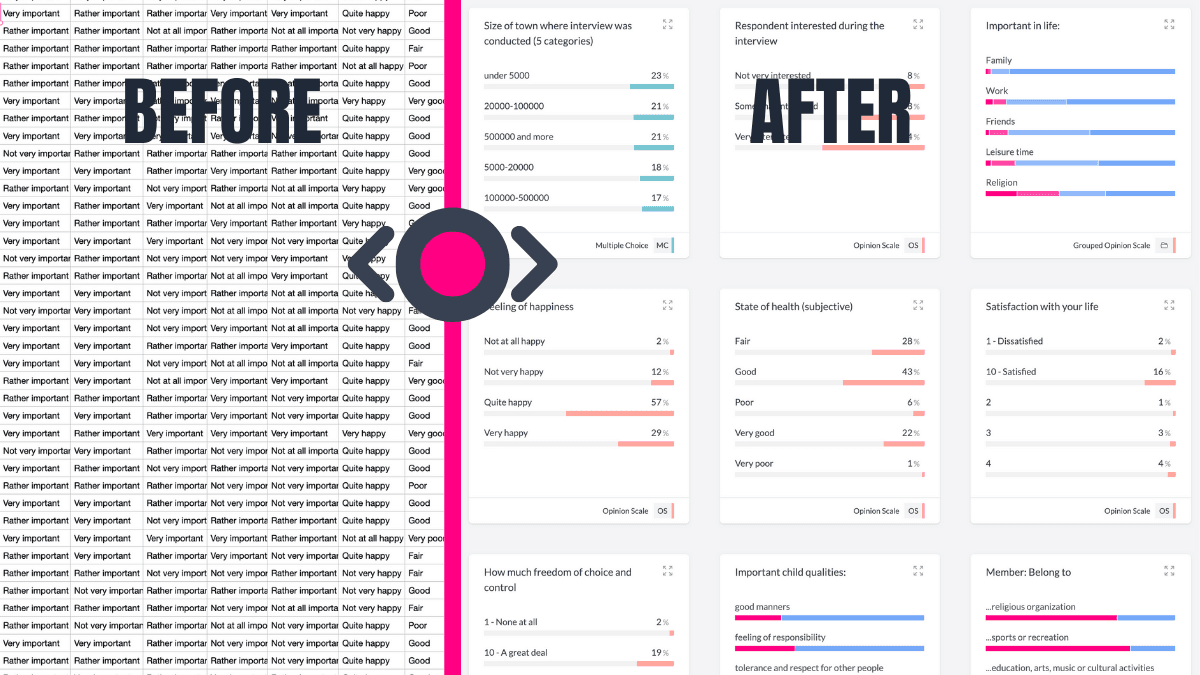
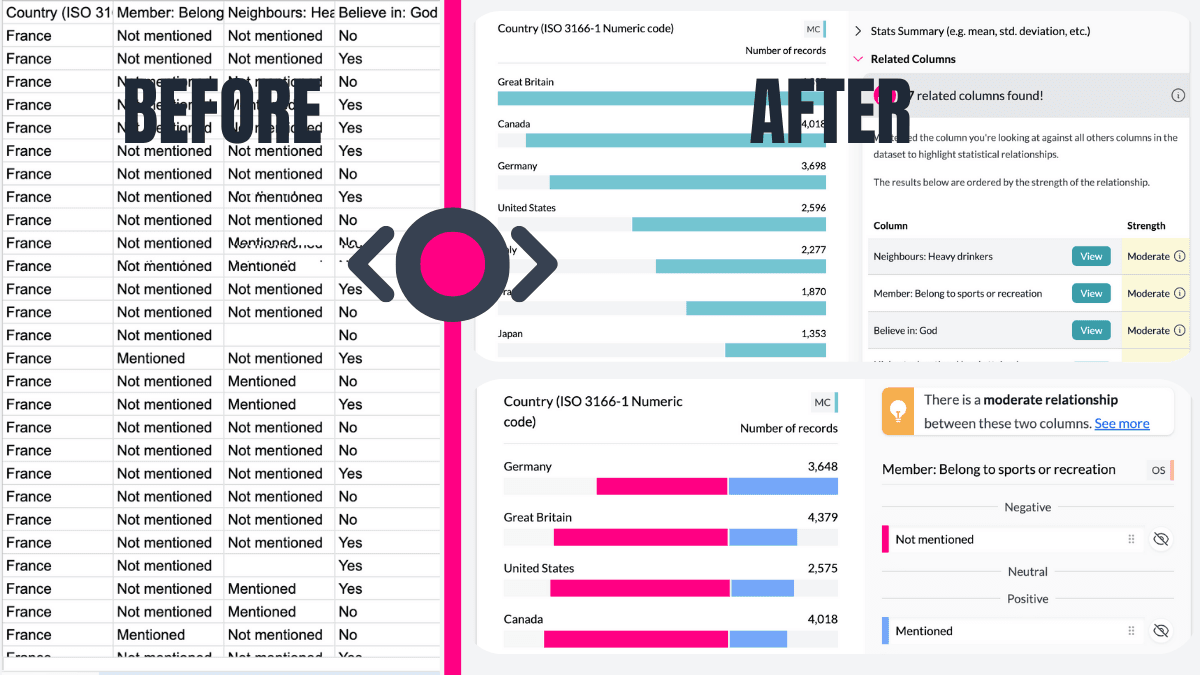
Starts You with Summarised Data

Forget starting with raw columns. AddMaple instantly summarises your data into tables, pivots, and charts. Begin exploring your survey results with answers, not setup tasks.

Starts You with Summarised Data
Life Saver 02

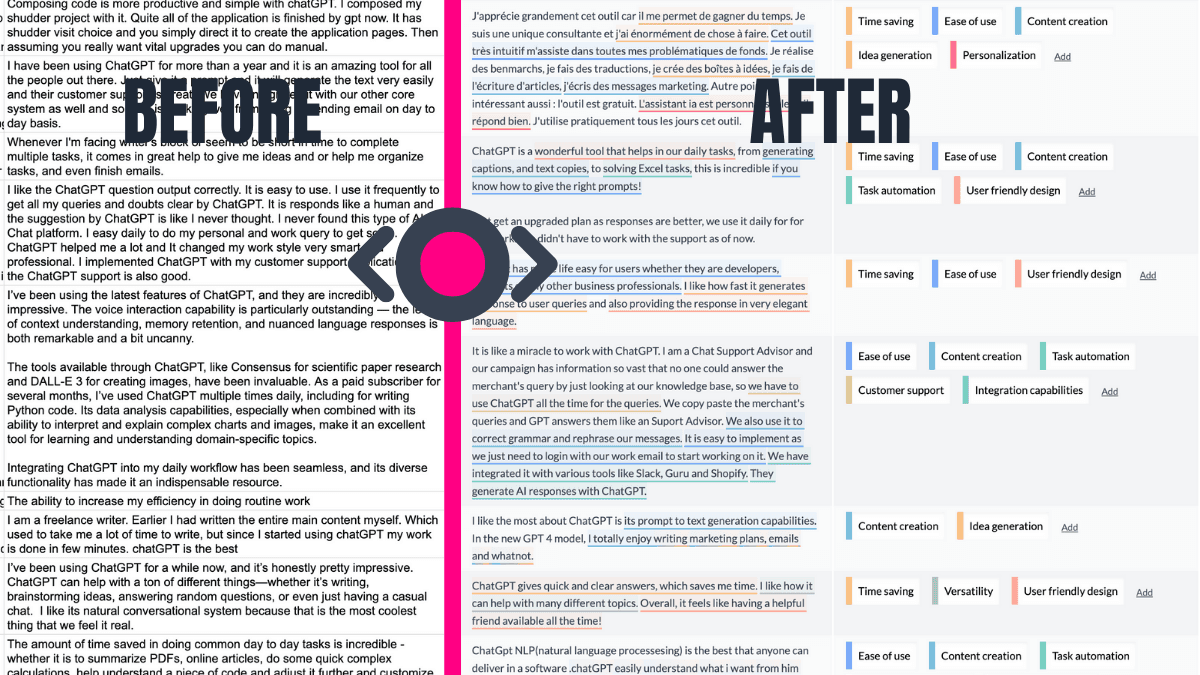
AI-Powered Thematic Coding

Transform open-ended responses into themes, fast. AddMaple's AI not only categorises text but highlights the exact phrases behind each theme. This means you can go from messy text data to meaningful insights with full transparency.

AI-Powered Thematic Coding
Life Saver 03

Shares Insights That Live On

Static reports? Not here. AddMaple makes it easy to create Story Dashboards — interactive, shareable stories built from your charts and analysis. Say goodbye to PowerPoint slides that get buried in inboxes—now your findings are explorable and engaging for colleagues and clients.

Shares Insights That Live On
Life Saver 04

Automatically Reveals What Matters

Find insights faster. AddMaple runs statistical significance tests across all columns—including AI-generated themes—and ranks relationships by importance. This means you're instantly guided to the patterns and trends that matter most.

Automatically Reveals What Matters
Life Saver 05

Handles Dates and Numbers with Ease

AddMaple takes the frustration out of analysing dates and numbers. It detects date ranges for you, enabling easy segmentation by time period. For numeric data, AddMaple creates histograms and grouped ranges right away, so you can uncover patterns without spending hours on setup.

Handles Dates and Numbers with Ease
Life Saver 06

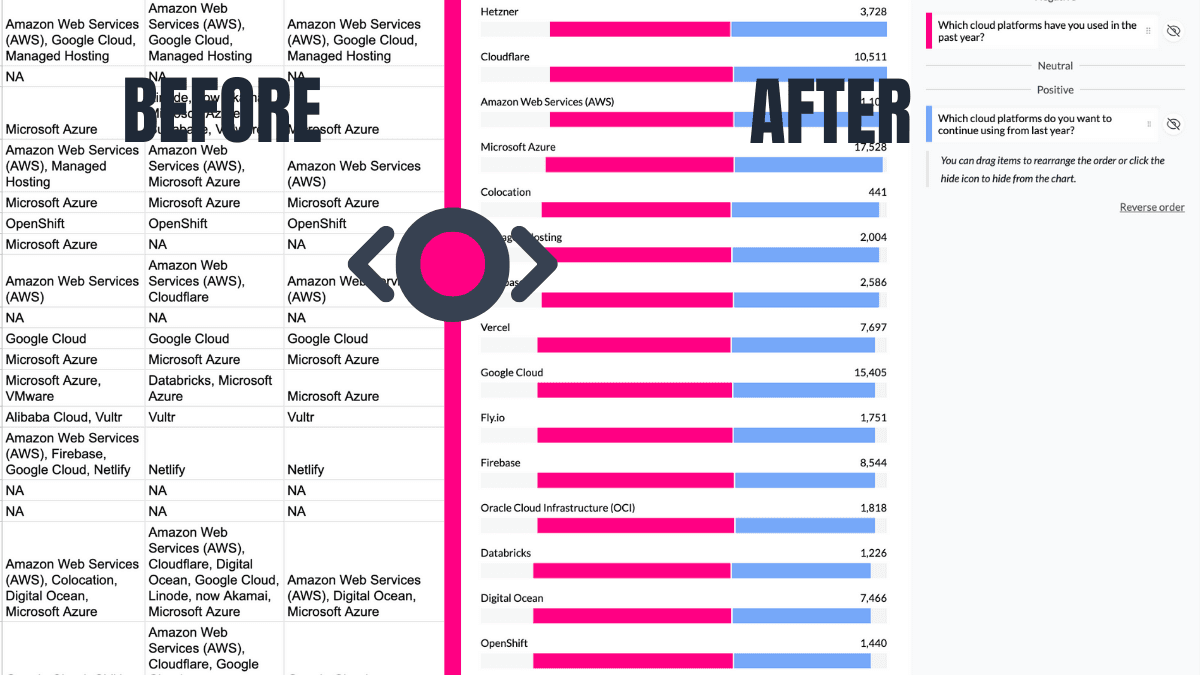
Automates Multi-Tag Analysis

Handling "Select all that apply" or multi-tag columns? AddMaple automatically detects these, summarises them into clear visual charts, and skips the hassle of manual column-splitting or formulas.

Automates Multi-Tag Analysis
Life Saver 07

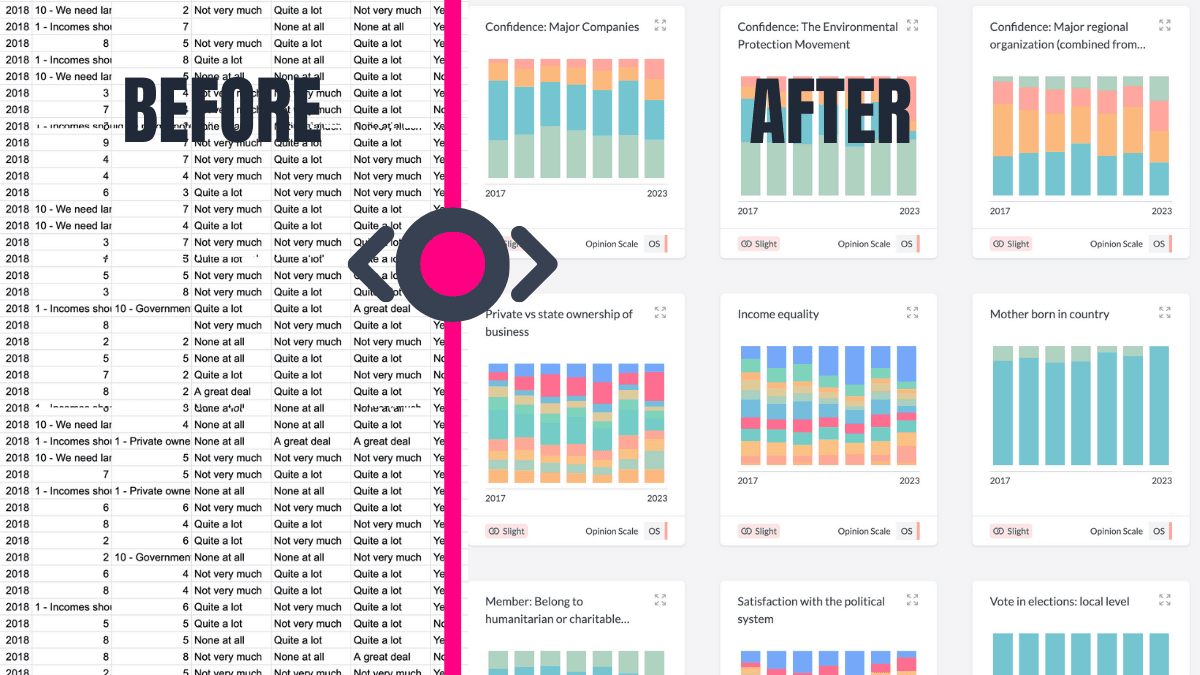
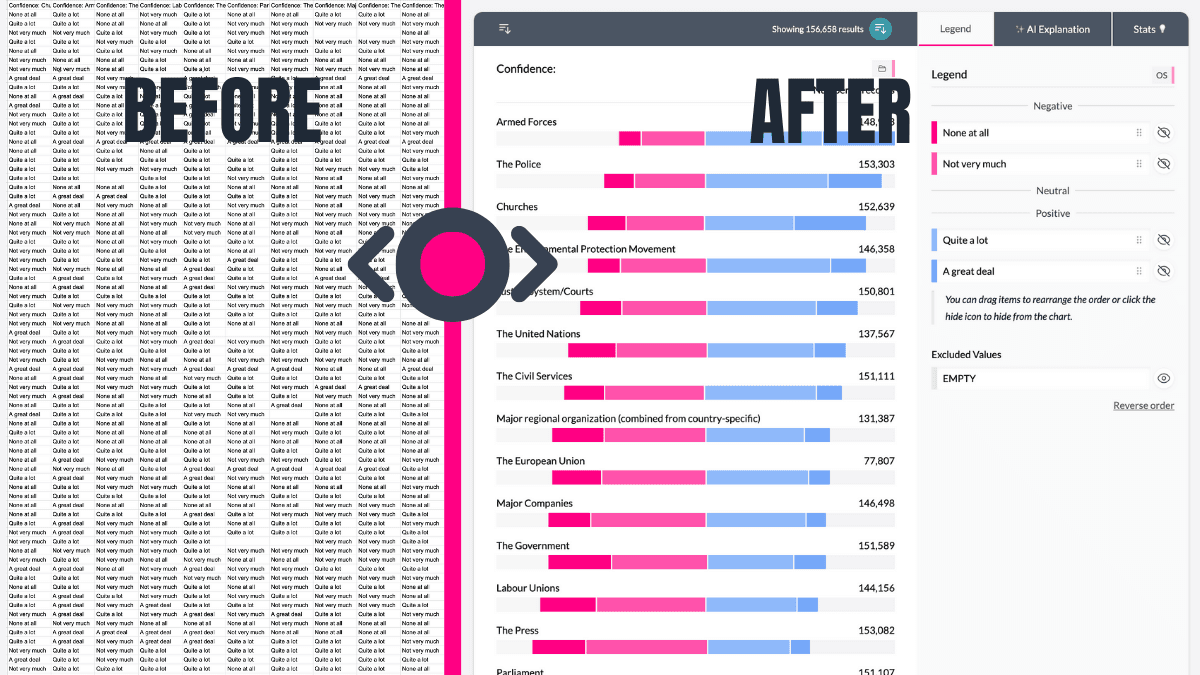
Turns Likert Scales Into Pivot-Ready Visuals

AddMaple takes your Likert-scale questions to the next level with elegant, neutral-aligned charts. Instantly see where opinions fall, then pivot by any other column—like demographics or preferences—to dig deeper into your data.

Turns Likert Scales Into Pivot-Ready Visuals

How to convert an SPSS (.sav) file to CSV (free options)

If you simply need to convert a .sav file to CSV, these are the most common approaches:

Use IBM SPSS Statistics (Export to CSV)

Best if: you already have SPSS installed.

  1. Open SPSS Statistics.
  2. Go to File -> Open -> Data...
  3. Select your .sav file.
  4. Go to File -> Save As...
  5. Choose CSV / Comma delimited format.
  6. Save your file as mydata.csv.

Use PSPP (Free SPSS alternative)

Best if: you want a free desktop app that can open .sav files.

  1. Download and install PSPP.
  2. Open PSPP and load your .sav file (File -> Open...).
  3. Open the syntax editor (File -> New -> Syntax).
  4. Paste and run the command below.
SAVE TRANSLATE
  /OUTFILE='mydata.csv'
  /TYPE=CSV
  /FIELDNAMES
  /REPLACE.

Use R (haven)

Best if: you want a reproducible research workflow.

  1. Install haven.
  2. Load the .sav file.
  3. Export to CSV.
install.packages("haven")
library(haven)

df <- read_sav("mydata.sav")
write.csv(df, "mydata.csv", row.names = FALSE)

If you want labels converted into readable text:

install.packages("labelled")
library(labelled)

df <- to_factor(df)
write.csv(df, "mydata.csv", row.names = FALSE)

Use Python (pyreadstat)

Best if: you want a simple Python conversion script.

  1. Install dependencies.
  2. Run the conversion script.
pip install pyreadstat pandas
import pyreadstat

df, meta = pyreadstat.read_sav("mydata.sav")
df.to_csv("mydata.csv", index=False)

Use DuckDB + read_stat extension

Best if: you want a fast SQL workflow (load, filter, export).

  1. Install and load the extension.
  2. Read the .sav file into a table.
  3. Export to CSV.
INSTALL read_stat FROM community;
LOAD read_stat;

CREATE TABLE spss_data AS
FROM read_stat('mydata.sav');

COPY spss_data TO 'mydata.csv' (HEADER, DELIMITER ',');

Analyze Instantly in AddMaple

Best if: your goal is insight, not just file format conversion.

  • Start in seconds with an explore-ready dashboard.
  • Analyze open-ended responses with AI thematic coding.
  • Use pivots, charts, and significance testing in one place.
  • Share findings as interactive dashboards, not static files.
ThemesPivotsDashboards
Explore AddMaple (Sample Dataset)

Important note about SAV files

CSV exports usually lose SPSS metadata, including variable labels, value labels, missing value rules, and measurement types.

If your goal is analysis (not just conversion), the AddMaple tile above is the fastest path to themes, pivots, and dashboards.

AddMaple: From Raw Data to Insights in Seconds

Cut down the time from raw data to insights you can share.
AddMaple combines an explore-ready dashboard, a powerful stats engine, and explainable AI to help you make data-driven decisions - no data wrangling required.

1

Analyze Open-Ended Questions with AI

We enable you to thematically code tens of thousands of open-ended responses in minutes not days. This data can then be further analyzed, visualized and explored with our powerful quant features.

2

Qual and Quant in One

Combine quantitative metrics with qualitative feedback in one platform, giving you a complete view of your survey data.

3

No Data Wrangling Needed

Bring your data from anywhere, AddMaple will generate an explore-ready dashboard in less than a second. No data cleaning or prep needed.

AddMaple Dashboard

FAQ

Do you still offer an SAV to CSV converter?

No. AddMaple is a survey and feedback analysis platform. We no longer offer a standalone conversion tool.

Can AddMaple open SAV files?

AddMaple supports working with survey exports including SPSS-style datasets, and is designed to instantly summarise data into pivots, charts, and dashboards.

Can I try AddMaple with my own SAV file?

Currently, AddMaple's instant demo experience runs on a sample dataset so you can explore the full feature set immediately.

Is AddMaple a replacement for SPSS?

AddMaple is an alternative approach to survey analysis, focused on fast exploration, explainable AI thematic coding, and interactive dashboards.

Does AddMaple upload my data to the cloud?

No. AddMaple runs analysis locally in your browser. Cloud sharing is optional and controlled by you.

Ready to see survey analysis done properly?

Stop fighting raw exports and endless spreadsheets. AddMaple turns survey data into instant answers, charts, and dashboards.

Bar Chart