AddMaple won the Paddle AI Launchpad competition out of 77 startups!
AddMaple V3 is here! Learn more
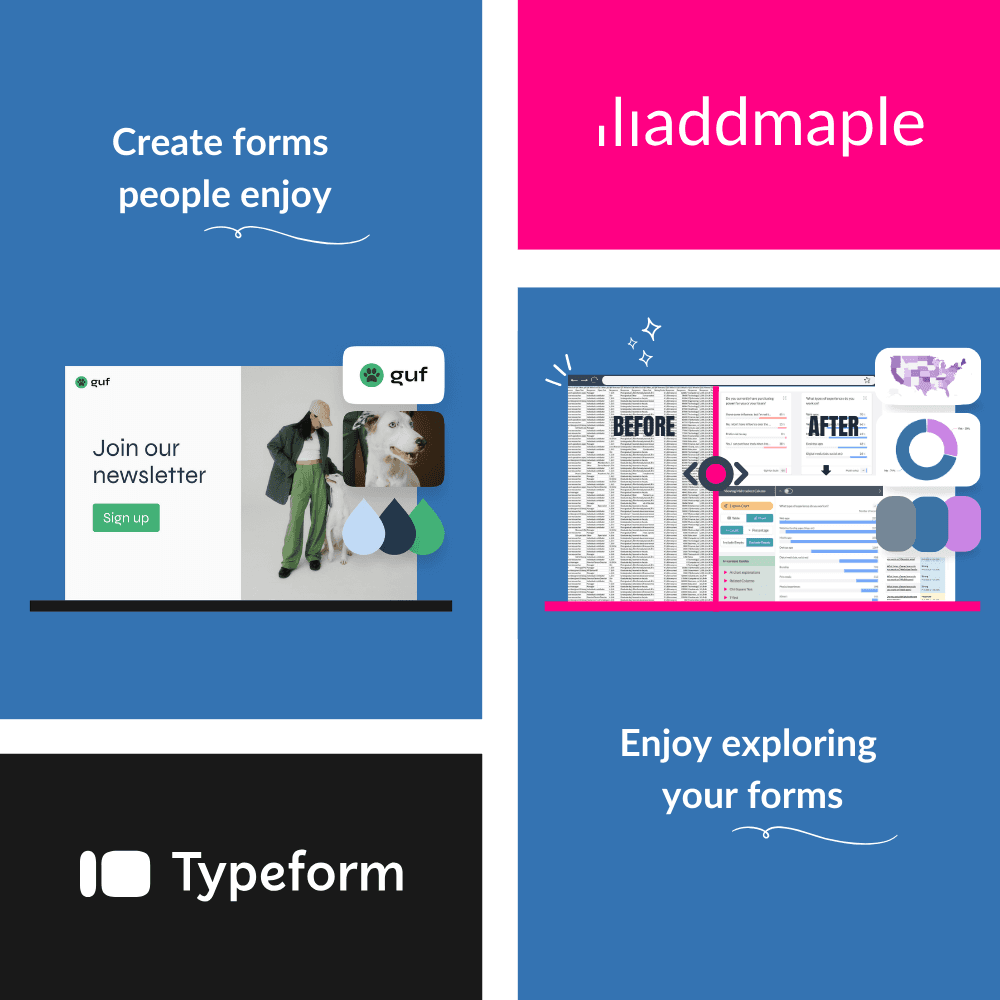
Exclusive Typeform User Offer - 20% Off All Plans
Professional survey analysis at a special rate for Typeform users
- ★20% off Starter, Professional & Business plans
- ★AI-powered insights for open-ended questions
- ★Interactive dashboards with unlimited viewers
- ★Start free or choose a discounted plan
Watch how to use AddMaple with your Typeform data

★ Perfect for Beginners and Pros
★ No cloud uploads
★ Transparent Pricing
A few of the 20,000+ people cruising from data exports to reports
Unlock Professional Survey Analysis
As a Typeform user, you get exclusive 20% off all AddMaple plans. Get professional-grade analysis tools, AI insights, and interactive reporting at a special rate.
Special Pricing for Typeform Users:
AI-Powered Analysis:
Share Professional Reports:
Start with Answers, Not Raw Data
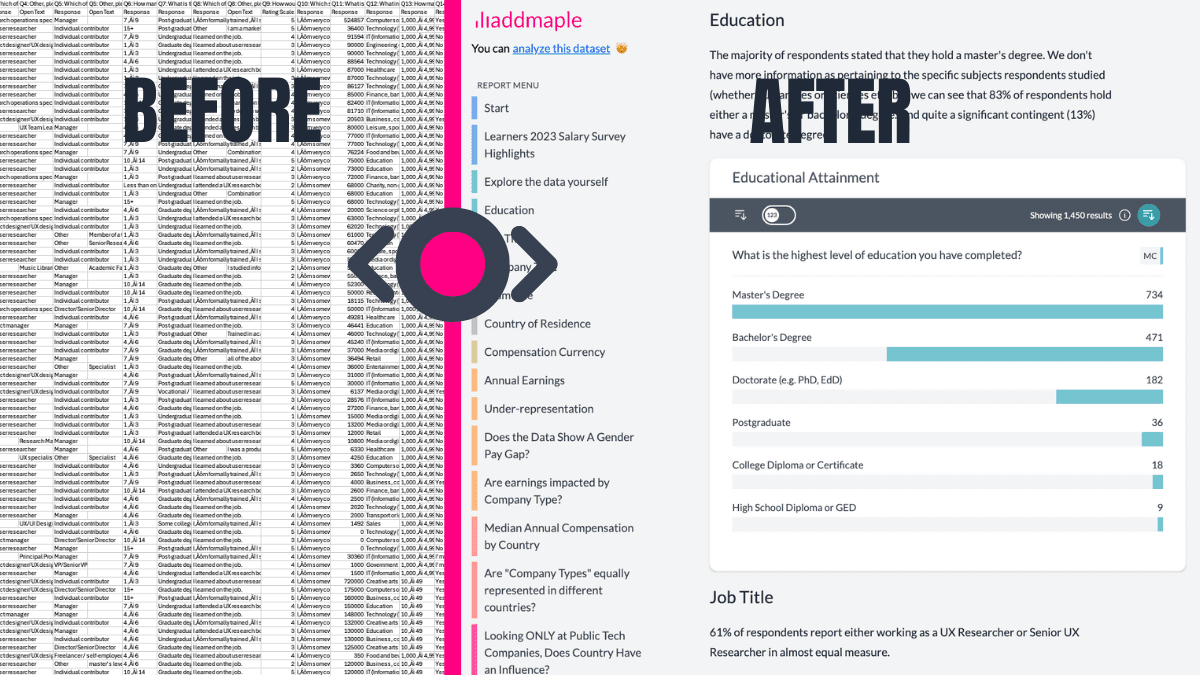
Analyzing Typeform surveys shouldn't start with messy columns and setup tasks. AddMaple instantly summarizes your results into tables, pivots, and charts. Whether you're working with ranking, Likert scales, or open-ended questions, you'll be exploring insights, not formatting spreadsheets.

AI-Powered Insights for Open-Ended Questions
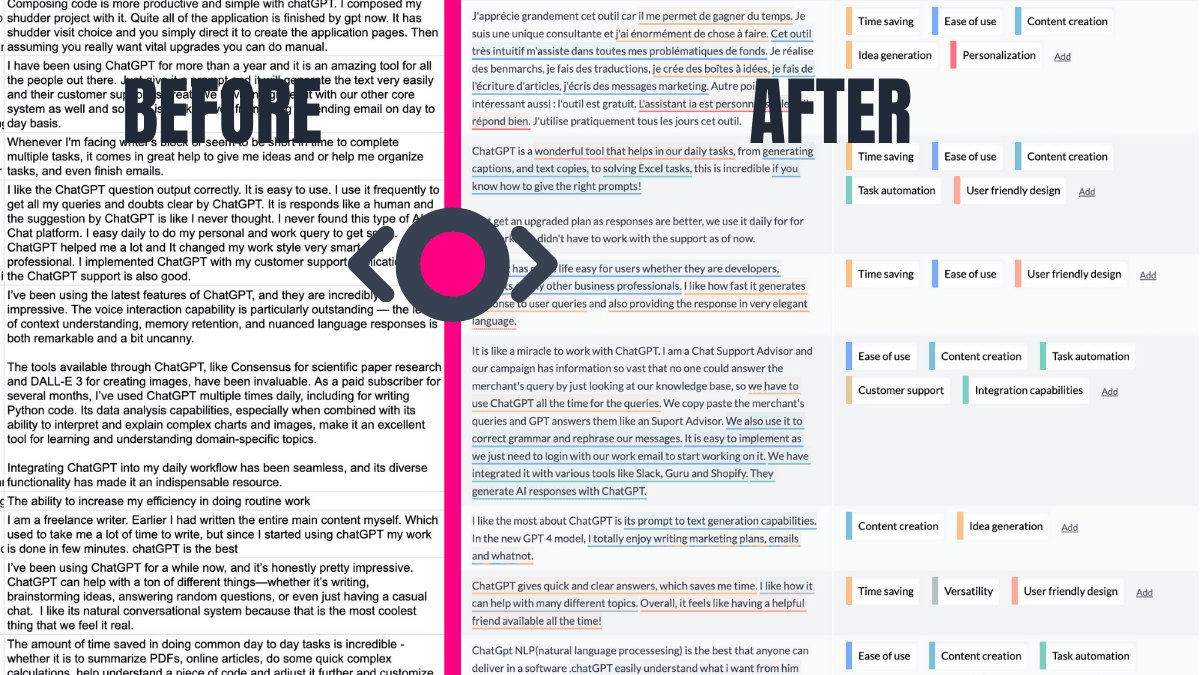
Stop spending hours manually reviewing text responses. AddMaple's AI automatically organizes open-ended answers into meaningful themes and even highlights key phrases. Whether it's 10 responses or 10,000, AddMaple turns unstructured text into clear, actionable insights.

Instant Segmentation by Any Variable
Want to filter by demographics, time, or any other response? AddMaple makes segmentation easy and intuitive, helping you compare subsets of data effortlessly. No more exporting to Excel or struggling to connect questions to answers—it's all built-in.

Smart Handling for Ranking Questions
AddMaple transforms Typeform's ranking data into digestible insights. Automatically pivot by any category—like country or department—and get clear, comparative visuals that eliminate the guesswork.

Automated Multi-Select Analysis
Struggling to summarize "Select all that apply" questions? AddMaple detects multi-tag responses and turns them into interactive, clear charts without manual work. You'll never have to split columns or write complex formulas again.

Spot Trends That Matter Most
With AddMaple, you're not just seeing raw data—you're uncovering what's important. Statistical significance tests and ranked relationships guide you to the key insights in your survey, fast.

Interactive Reports That Wow Your Team
AddMaple helps you go beyond static reports with interactive dashboards and shareable charts. Your findings stay engaging and accessible for teams, clients, or stakeholders—making your data truly impactful.

AddMaple creates instant chart dashboards that let you analyze your survey data visually and is one of the best ways I've found to conduct AI-powered thematic analysis of open-ended results.

AddMaple: Choose Your Discounted Plan
Get 20% off all AddMaple plans as a Typeform user. All plans include unlimited data rows and columns, plus professional features to transform your survey analysis.
Not ready to commit? Start free with 100 rows and 12 columns - no credit card required.
Starter: $47/month (Save $12)
Auto data cleaning, pivoting, interactive dashboards, PowerPoint export, and AI explanations.
Professional: $135/month (Save $34)
Everything in Starter plus AI thematic analysis, full statistics, key drivers, and data scraping.
Business: Contact us (20% off)
Everything in Professional plus private dashboards, Excel export, multi-file projects, and team features.

Exclusive Typeform User Pricing
Get 20% off all AddMaple plans
Or start free with 100 rows × 12 columns
Starter
Turn raw survey data into polished, shareable insights
- Auto data cleaning & configuration
- Pivoting & filtering
- Interactive Story Dashboards
- PowerPoint export
- AI explanations
Professional
Most Popular
Research-grade analytics without the grind
- Everything in Starter
- AI thematic analysis
- AI Agent research co-pilot
- Full statistics & key drivers
- Public data scraping
Business
Collaboration & secure publishing for teams
- Everything in Professional
- Private password-protected stories
- Excel crosstab export
- Multi-file projects
- Team workspace & SSO
Features to keep you in flow
AddMaple automates data structuring and cleansing because it:
- handles empty cells grouping them off, bypassing the need for placeholder values
- identifies and summarizes diverse data types: numbers, currencies, dates, text, survey questions, duration, multiple choice, multi-select, matrix, opinions, grid questions and more
- recognizes data patterns: multi-select tags, word and phrase clusters within text responses, numeric data distribution and more
- buckets numeric data into appropriate bins based on their range and distribution, while identifying and restricting the impact of outliers
- summarizes double header or matrix columns for comprehensive analysis automatically
- sorts numeric data containing text descriptions, e.g. age categories containing words such as between, younger than, less than, older than etc.
- supports CSV, Excel & SAV (SAV labels and meta data pulled in automatically)


From Raw Data to Explore Data
Secure by design
Your data stays on your system, with all analysis happening instantly in your browser, not in the cloud.
We support cloud based chart and report sharing - but this is optional and fully within your control. Read more about our approach to security and privacy here.
The fastest data analysis tool out there
Built from the ground-up to be super speedy. No more loading spinners, crashing spreadsheets or scrambled sorting.
Don't believe us? Try this Afrobarometer dataset with over 20 million data points fully loaded and summarized in 2.84 seconds
Ready to Make Your Data Work for You?
See how AddMaple can speed up your survey analysis and help you uncover meaningful insights.