

Start before the dataset is staged
Upload SAV, CSV, or platform exports and pivot within minutes. Large files process in the browser instead of waiting on cloud upload and staging workflows.

Cross-tabs in the cloud vs exploration in the browser
Crunch.io is a mature cloud home for survey datasets and collaborative tables. AddMaple is for teams who want faster cuts, AI text coding, and client hubs without enterprise upload staging.
Crunch fits agencies running large tracker programs with centralized datasets and multi-analyst permissions. AddMaple fits when you need to open a messy export, pivot immediately, code open ends beside the tables, and publish an explorable hub — with processing in the browser instead of waiting on cloud staging for big files.
Fast verdict
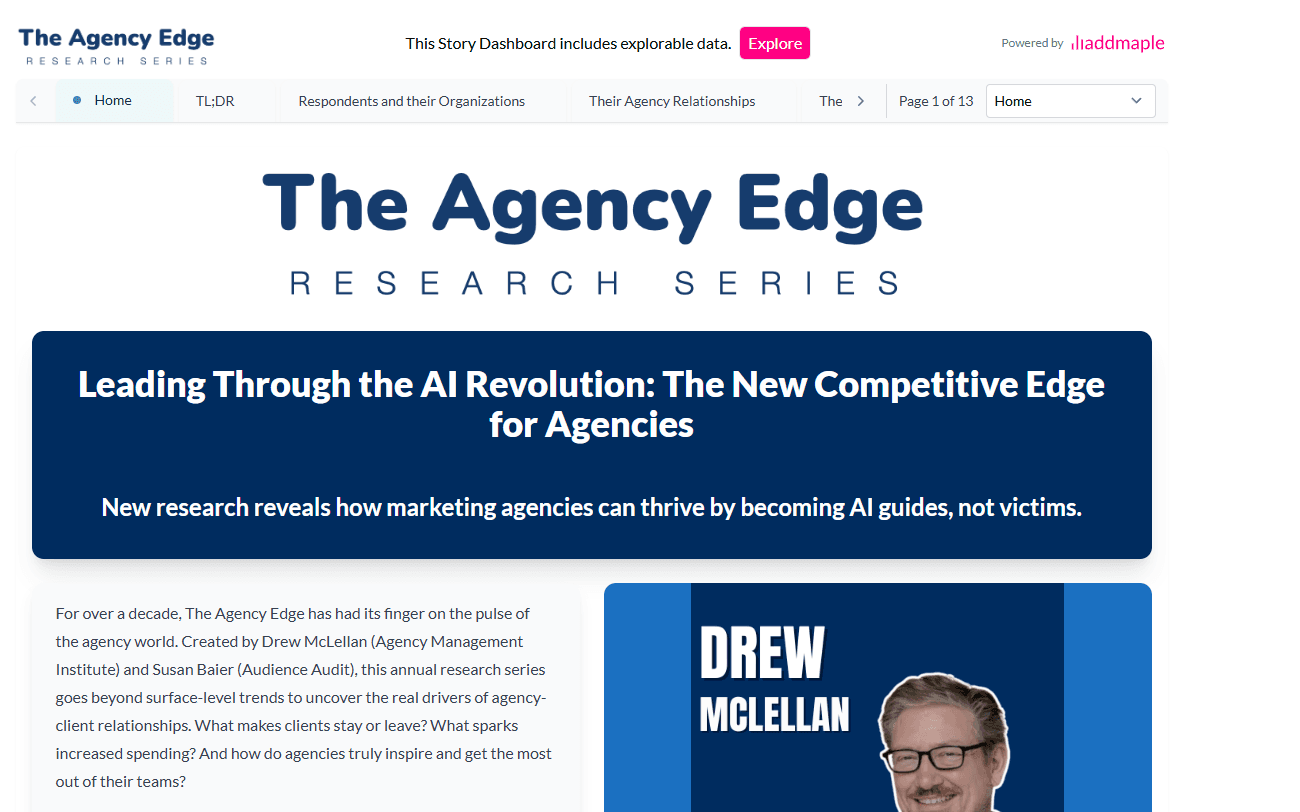
Crunch.io fits teams that need a shared cloud repository, robust cross-tab governance, and multi-analyst collaboration on ongoing tracker programs. AddMaple fits when the bottleneck is time from upload to answer — especially when open ends, auto-stats, or client exploration matter as much as the tables.
AddMaple advantage
Crunch handles collaborative tables well. AddMaple is aimed at the work that happens around those tables — cleanup, text, stats, and client exploration.
Upload SAV, CSV, or platform exports and pivot within minutes. Large files process in the browser instead of waiting on cloud upload and staging workflows.
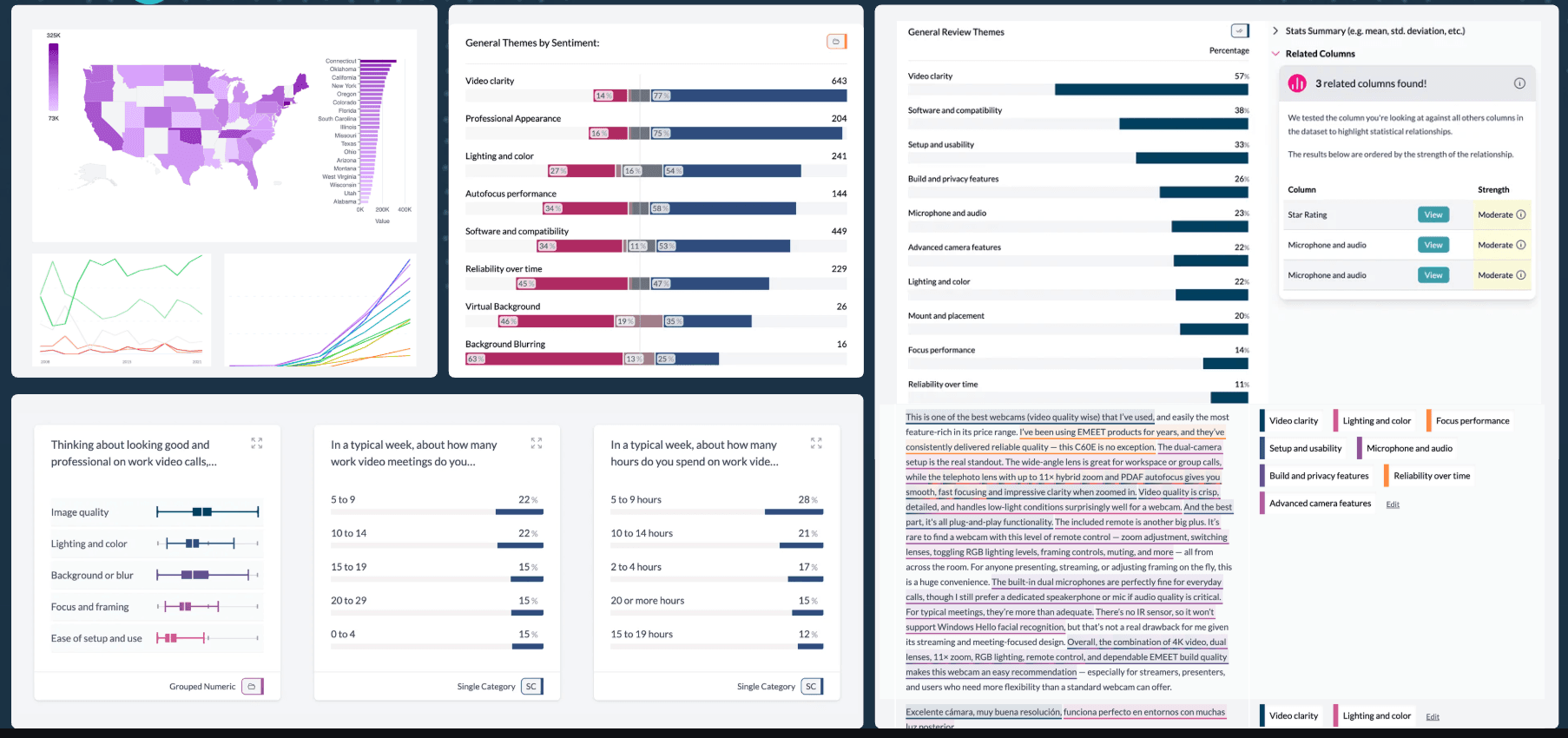
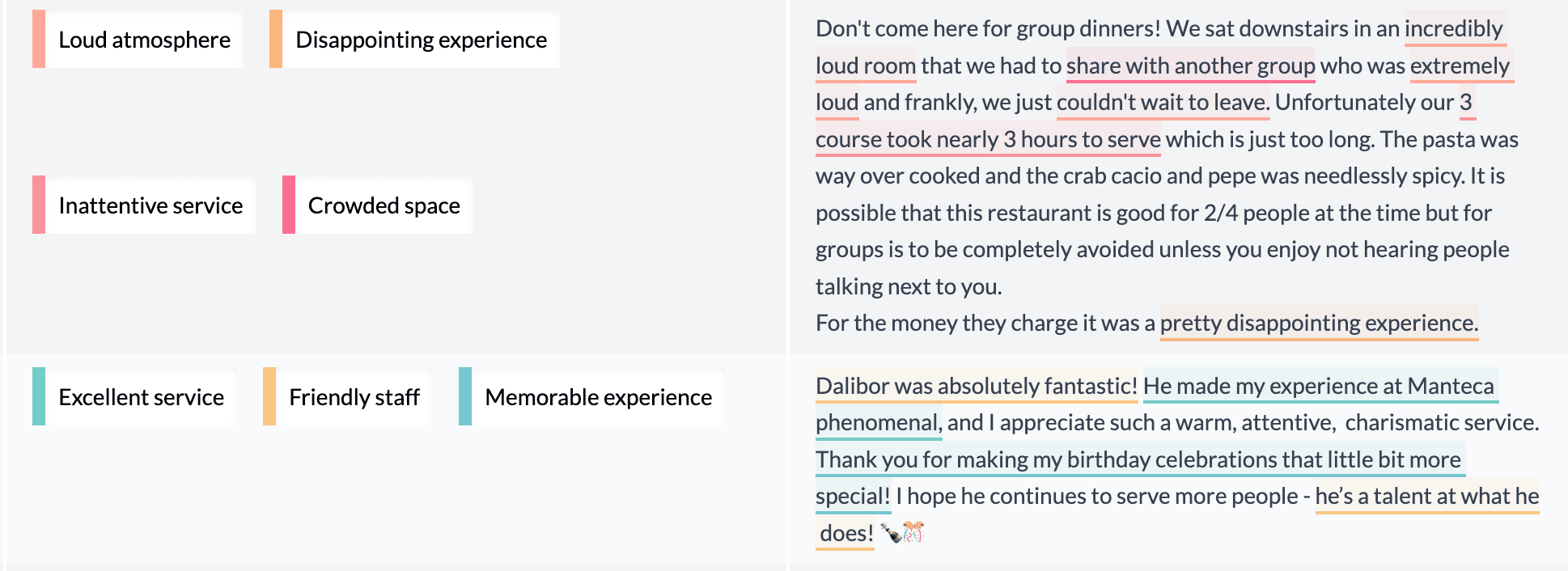
Theme coding, sentiment, and verbatim summaries sit beside cross-tabs — useful when debriefs need quotes, not just percentage tables.
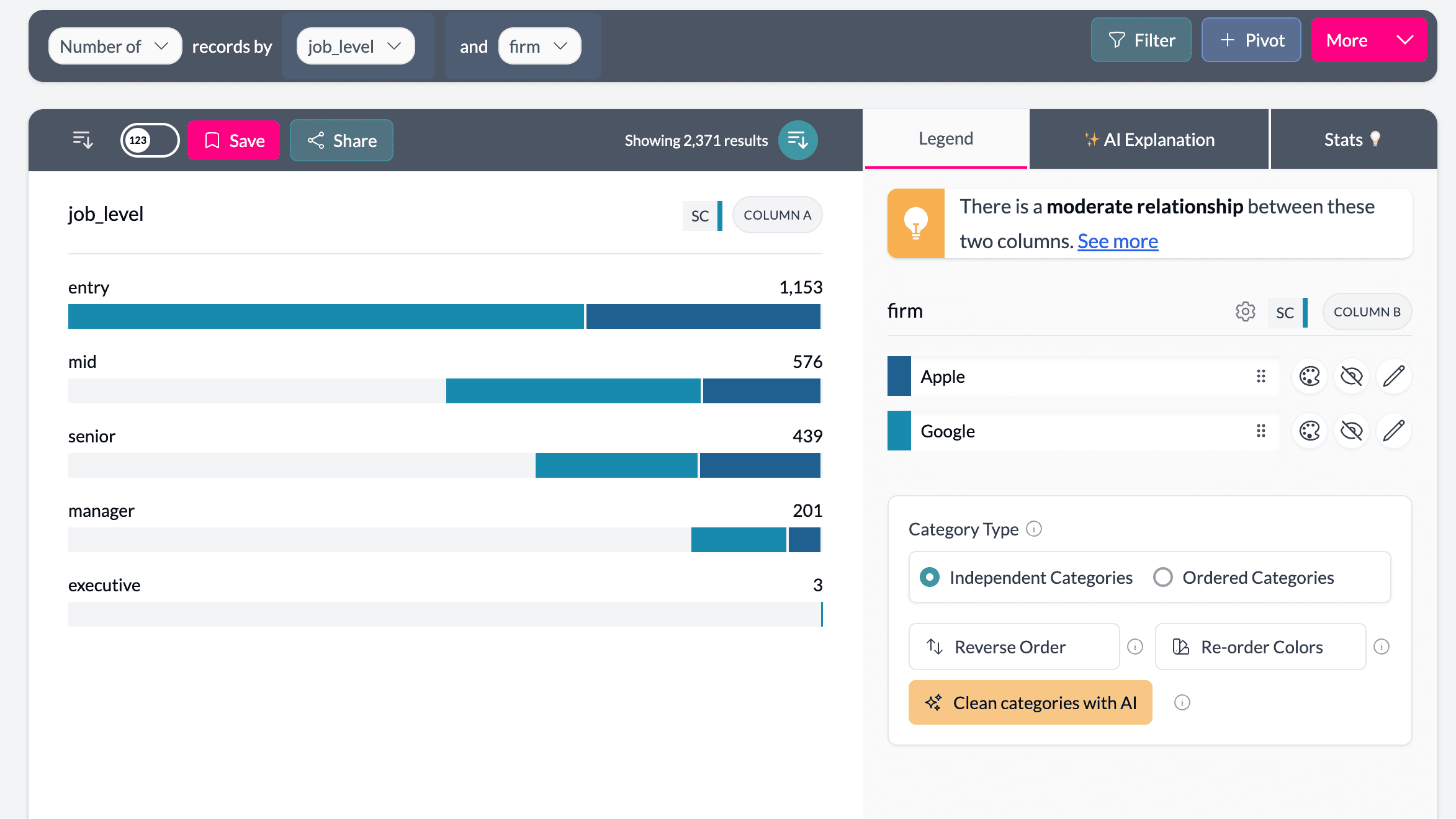
Related columns, mixed-type clustering, and key drivers produce segments you filter on across the whole project, not just one tab view.
Workflow comparison
A tracker wave lands Friday: compare what each tool asks before the first banner table is useful.
Upload and prepare
Upload SAV, CSV, Excel, or platform exports. AddMaple detects question types, groups grids, and prepares dashboards automatically.
Upload to the shared cloud workspace. Large files may need staging; project structure depends on how your team organizes datasets.
Explore quant data
Charts, filters, banner cross-tabs, and pivots stay live while questions change.
Strong collaborative cross-tabs and dashboards — especially when several analysts work on the same centralized dataset.
Run advanced analysis
Key drivers, clustering, related columns, and significance produce reusable segments and filters.
Statistical and advanced analysis available, often with more manual configuration per workflow.
Analyze open ends
AI coding, sentiment, summaries, and verbatims sit beside quant charts in the same project.
Quantitative survey analytics and dashboard sharing with enterprise governance — text workflows are not the primary focus.
Share with clients
Publish Insights Hubs and explorable dashboards, or export charts to decks.
Dashboard sharing with permissions inside Crunch's cloud environment — strong for multi-analyst teams on shared programs.
See AddMaple in action
From upload speed to qual analysis and stakeholder sharing — connected in one workspace.
Feature matrix
A practical comparison for agencies and insights teams choosing a survey platform.
Support: Yes · Partial · No
SPSS .sav import
Yes — SAV plus CSV, Excel, and survey exports
Yes — Strong survey data support
Automatic data cleaning
Yes — Question grouping, label cleanup, multi-select merge
Partial — Manual setup for advanced workflows
Live banner cross-tabs
Yes — Any column by any column, instantly
Yes — Robust cross-tabulation
Multi-user cloud collaboration
Partial — Team projects and shared hubs
Yes — Real-time multi-analyst collaboration
Open-ended text analysis
Yes — AI coding, sentiment, summaries, Q&A
Partial — Primarily quant-focused workflows
Key driver and clustering
Yes — Outputs become reusable columns
Partial — Available with more manual setup
AI-assisted analysis
Yes — Built-in coding, summaries, and chart explanations
Partial — Less AI-driven automation
Shareable interactive dashboards
Yes — Insights Hubs and explorable dashboards
Partial — Strong dashboards; AddMaple also connects quant, text, and Insights Hubs
Large file handling
Yes — In-browser processing, up to ~500MB
Partial — Large files may require cloud staging
Pricing accessibility
Yes — Self-serve plans for teams and consultants
Partial — Enterprise-oriented annual licensing
Try it on your data
Use a real client export — the kind that arrives messy, needs open-end coding, and has to be shareable by Monday.
Use SAV, CSV, Excel, or a survey-platform export.
Check grouped questions, cleaned labels, multi-selects, and Likert grids.
Use cross-tabs, key drivers, clusters, themes, sentiment, and verbatims.
Publish an Insights Hub or export charts for your client deck.
FAQ
Yes, if your priority is faster exploration, AI text coding, and explorable client hubs on individual projects. Crunch remains stronger when you need a centralized cloud survey store with multi-analyst governance across many tracker programs.
Crunch is built around collaborative cross-tabulation in a shared cloud environment. AddMaple adds automatic cleanup on upload, AI open-end coding, key drivers and clustering, and browser-based speed when you are working one file at a time.
Not necessarily. Many agencies keep Crunch as the system of record for large ongoing programs and use AddMaple for faster debriefs, text analysis, and client exploration on individual waves or ad-hoc studies.
Crunch may require cloud staging for very large uploads. AddMaple processes many large files (up to roughly 500MB) in the browser, which keeps filters and pivots responsive without waiting on upload pipelines.
Upload a wave you would normally stage in Crunch and compare time to first cuts, text themes, and a client-ready hub.