


Capability 01
See every form clearly, the moment responses land
Every question is automatically summarised into modern charts and tables - no setup, no exports.



Connect forms & ask questions! No prep!
Get instant charts and tables with statistical patterns revealed!

We have shaved a full month off of our project timeline in terms of analysis and visualization of our data. And our clients LOVE being able to root around in their data. AddMaple will guide them to where there are interesting correlations.
Susan Baier
Founder & CEO, Audience Audit
(Included with your Growth Flow Annual plan)
Capability 01
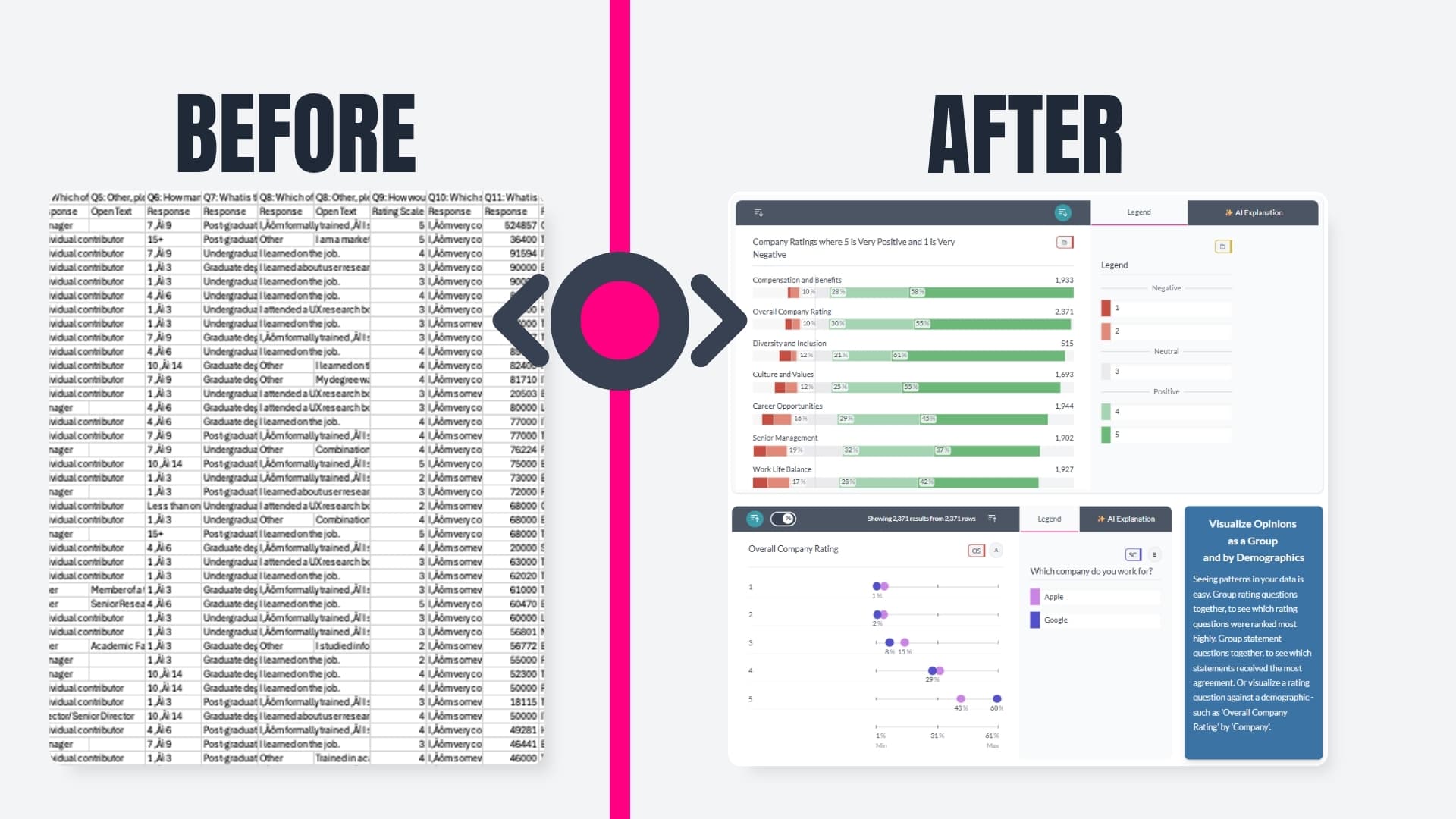
Every question is automatically summarised into modern charts and tables - no setup, no exports.
Capability 02
Compare, and break results down across audiences, campaigns, or answer selections
Capability 03
Choose the visual view that makes differences clear - from distributions to proportions.
Capability 04
Add branding colours, flip between bar, pie, donut, or rose charts to highlight proportions, comparisons, or distributions - without rebuilding a thing!
Capability 05
Go beyond one-filter-at-a-time with flexible logic, ranges, and multi-select filters.
Capability 06
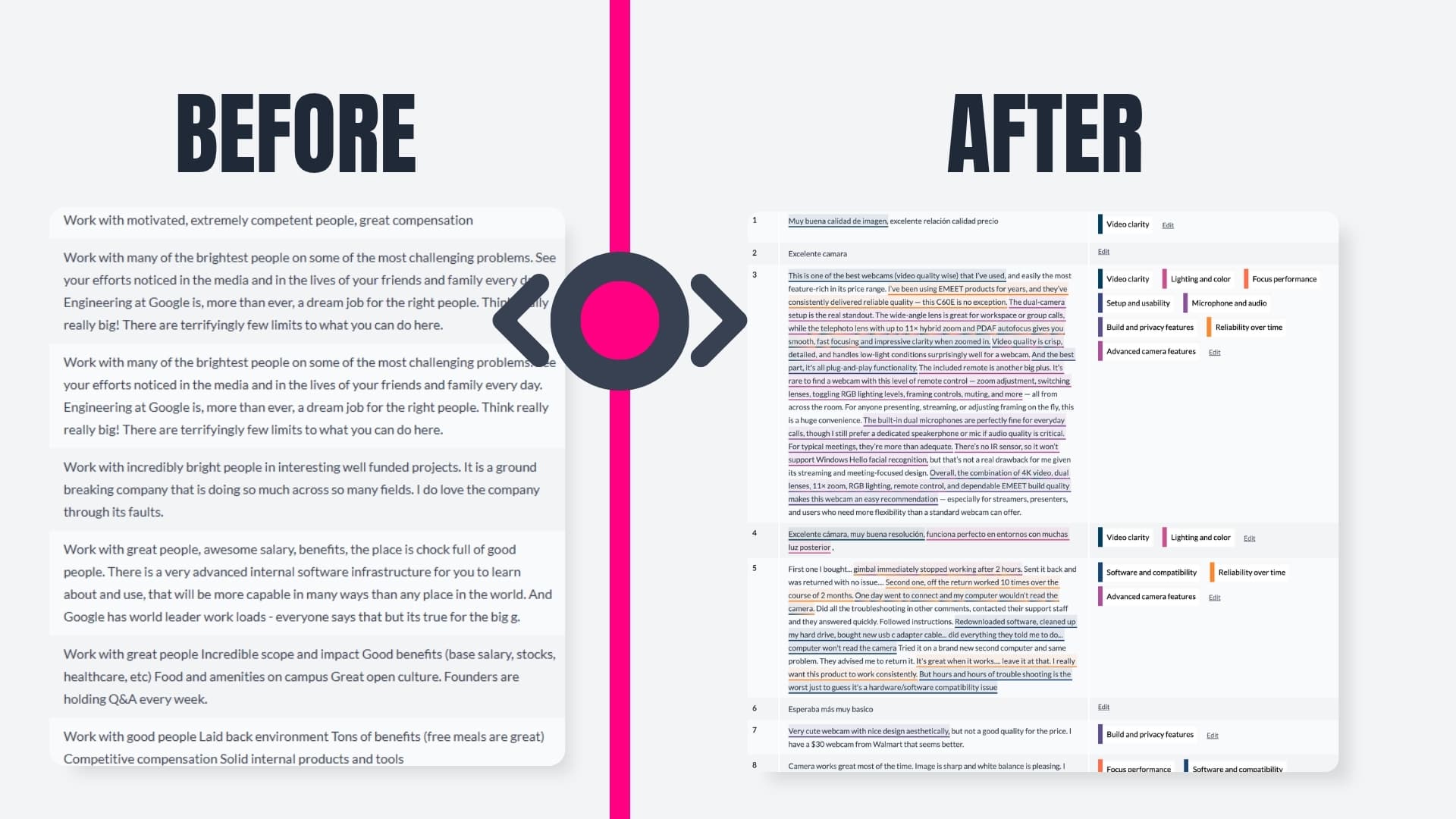
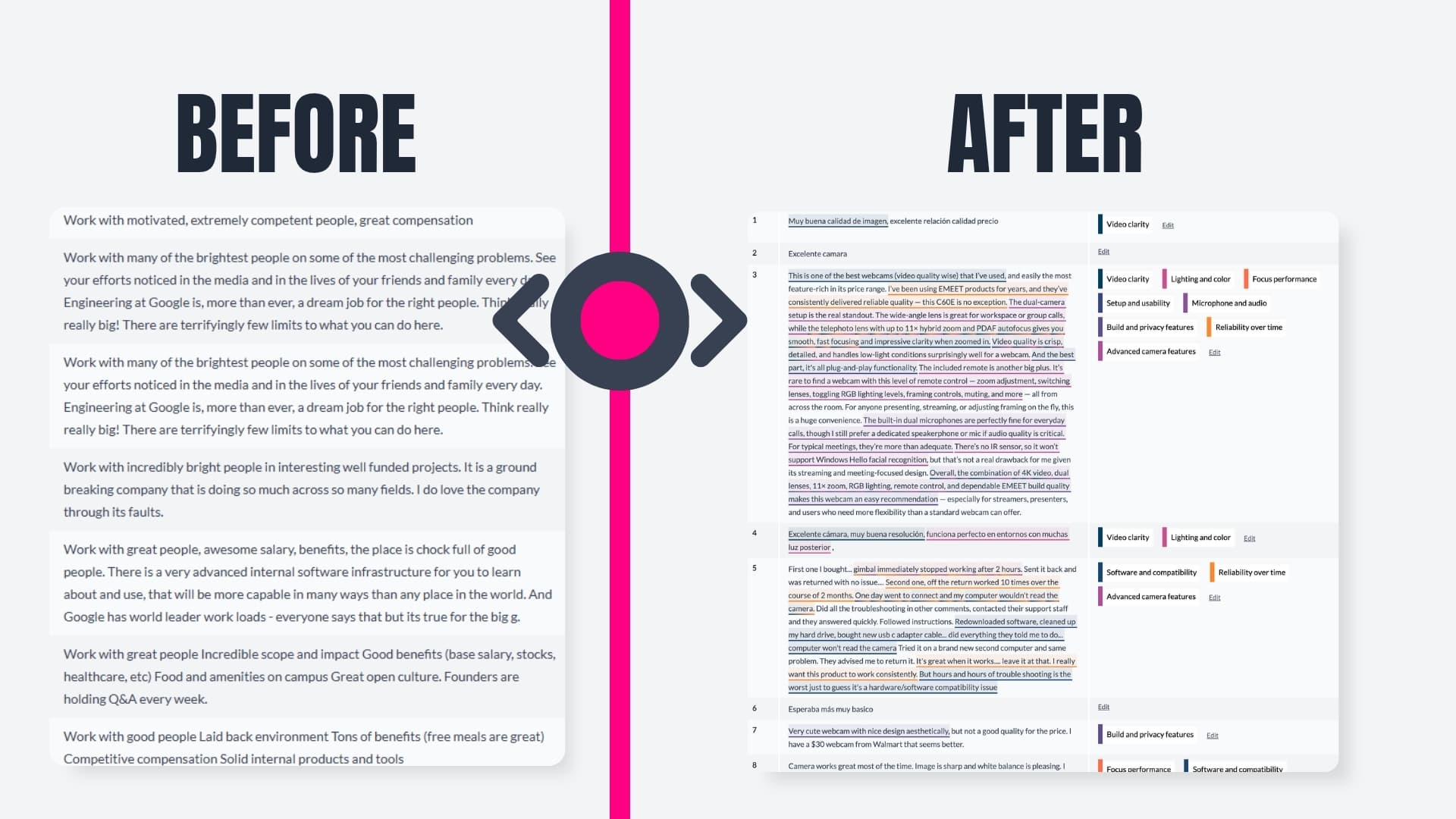
Typeform open ends pile up fast, often in more than one language, and get left unread. AddMaple's AI codes them into themes and sub-themes, with topics by sentiment, and links every theme back to highlighted verbatim text. Explore themes by frequency, segment, or sentiment the same way you explore any other question: no manual coding, no export loop.
Capability 07
Spot what's consistent, what's changed, where segments differ and more.
Capability 08
Move straight from exploration to a clean, shareable dashboard your team can explore themselves.
Capability 09
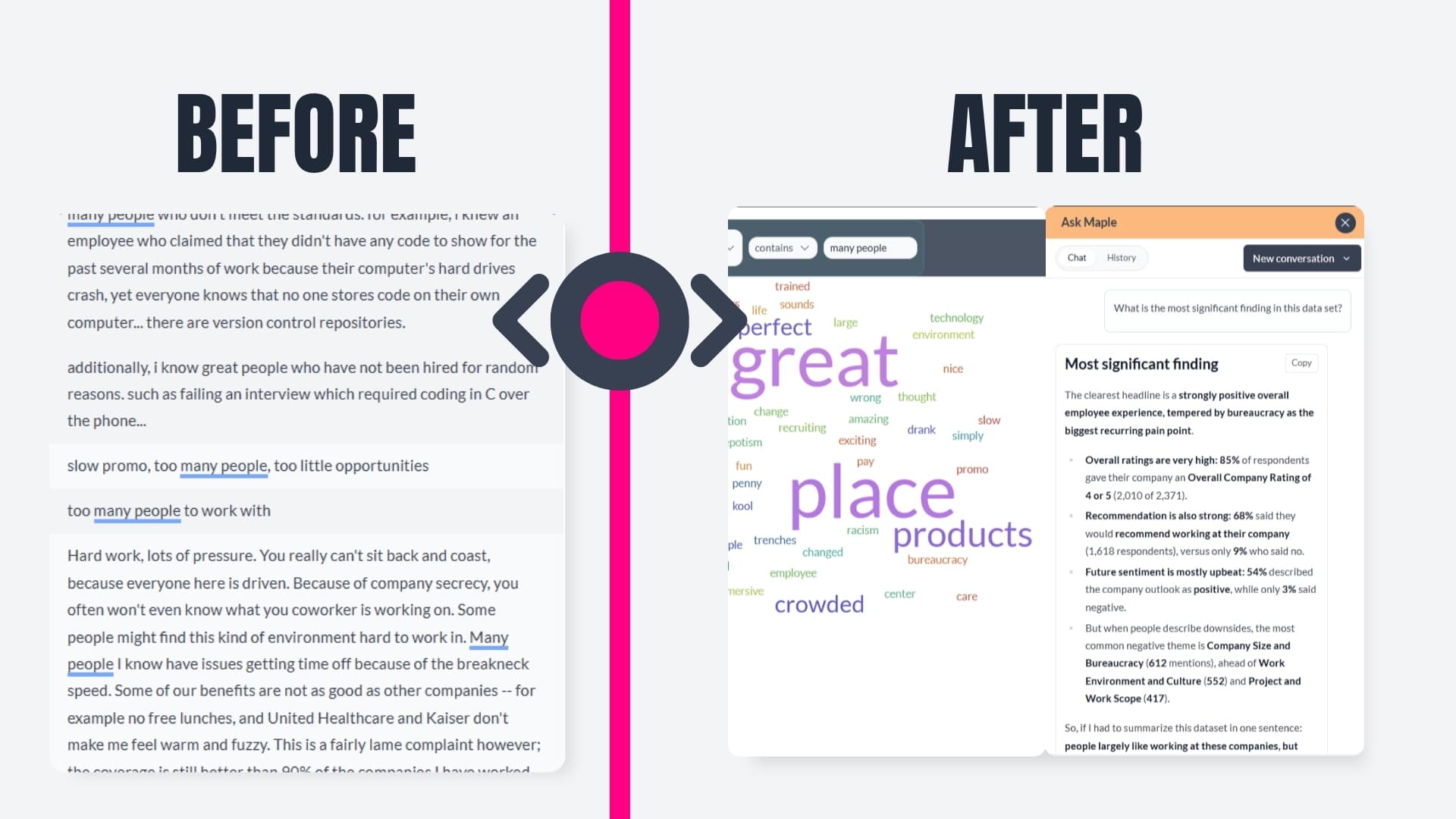
Ask what stands out, which segments differ, or what's driving a score, in plain English. AddMaple's AI Agent runs analysis on your Typeform data and returns charts, pivots, and breakdowns you can open and edit, grounded in AddMaple's stats engine.
Capability 10
AddMaple analyzes open-ended responses across multiple languages at once and turns unstructured text into themes, sub-themes, and topics by sentiment, with every theme linked back to highlighted verbatim evidence.
Open ends · Multi-language · Quant + qual together
AddMaple analyzes open-ended responses across multiple languages at once and turns that unstructured text into themes, sub-themes, and topics by sentiment. Every theme links back to highlighted verbatim evidence, so you can see what people said, how they feel, and which groups differ, then filter and explore themes the same way you explore any other question.
What you get in your AddMaple Starter Plan with Typeform
For marketers, agencies, CX and product teams using Typeform to grow.
Answer business questions with AddMaple's AI agent without exporting or wrangling data first.
Never miss an insight. Never lose hours analyzing surveys in spreadsheets.
Typeform Growth Flow Annual unlocks more responses and flows to keep your business moving.
AddMaple helps you explore and understand every form — with charts, filters, and AI that stays grounded in your data.
Automatically group related question sets (opinion, rating, ranking, matrix, number) so you see how answers connect without blind spots.
Go from responses to effortless understanding you can act on with confidence, without analyzing it in spreadsheets and having to start from scratch each time new responses land.

Trusted in academia
Built for rigorous thematic analysis: used in peer-reviewed research to code large open-text datasets into auditable themes.
Built for security-conscious CX, insights, and people teams with clear AI boundaries, enterprise access controls, and safe integration patterns.
Customer data stays private and is not used to train foundation or AddMaple models.
AI is explainable, tied to a proprietary statistical engine, and includes column-level controls with visible evidence paths.
Google SSO and enterprise SSO are supported for secure team access control.
Connect to governed sources and analyze without creating risky data sprawl.
GDPR aligned, ICO registered, ISO27001-aligned practices, with CAIQ support for security reviews.
Publish with private links and password protection so stakeholders can access insights safely.
Don't miss out