
Single Column Bubble Chart
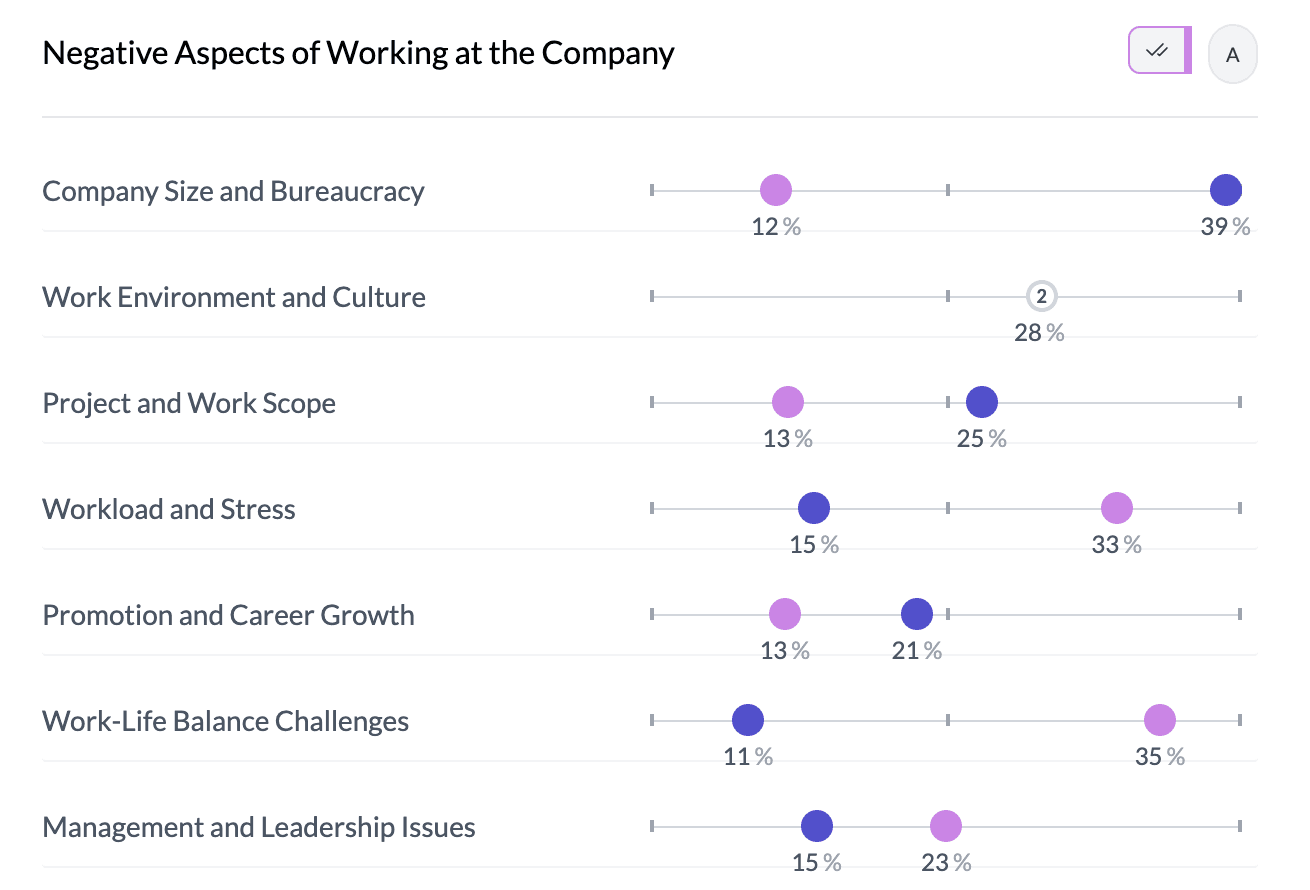
A single column bubble chart (single-column dot chart) shows one column as dots (bubbles) positioned along a scale. Each category or value is a dot; position represents count or aggregated value. It’s an alternative to the default single horizontal bar when you want a dot/bubble view.
When to use it
- One categorical column — Same data as horizontal bars; dots instead of bars.
- One numeric column — With Key Stats and Mean you get a dot per category (e.g. mean value per group) or a single dot for the column; see dot charts.
- Emphasis on position — Dots on a scale can make it easier to compare values to reference points (e.g. 0%, 50%, 100%).
How to create it
Single categorical column
- Select one categorical column — Only one column in the pivot.
- Open More Charts — Click More Charts on the left.
- Choose bubble/dot — If a single-column bubble or dot option is available, select it. Dots appear on a scale (e.g. 0–100 or auto) by count or percentage.
Single numeric column (mean dot)
- Select one numeric column — Only one numeric column in the pivot.
- Key Stats — Set Key Stats | Ranges to Key Stats.
- Mean — In Box Plot | Mean, choose Mean. You get a single dot (or one per bin/category if applicable) showing the mean. See box plots and mean dot plots.
What you see
- Dots — One dot per category or per aggregated group; same size for comparison.
- Scale — Horizontal scale (e.g. 0–100 or auto); gray reference markers at 0%, 50%, 100% where applicable.
- Position — Dot position = value (count or aggregated); hover for exact number.
- Colors — Project colors; one color per category or single color.
For two-column dot charts and scale controls, see bubble-dot-plots.
1Single column bubble chart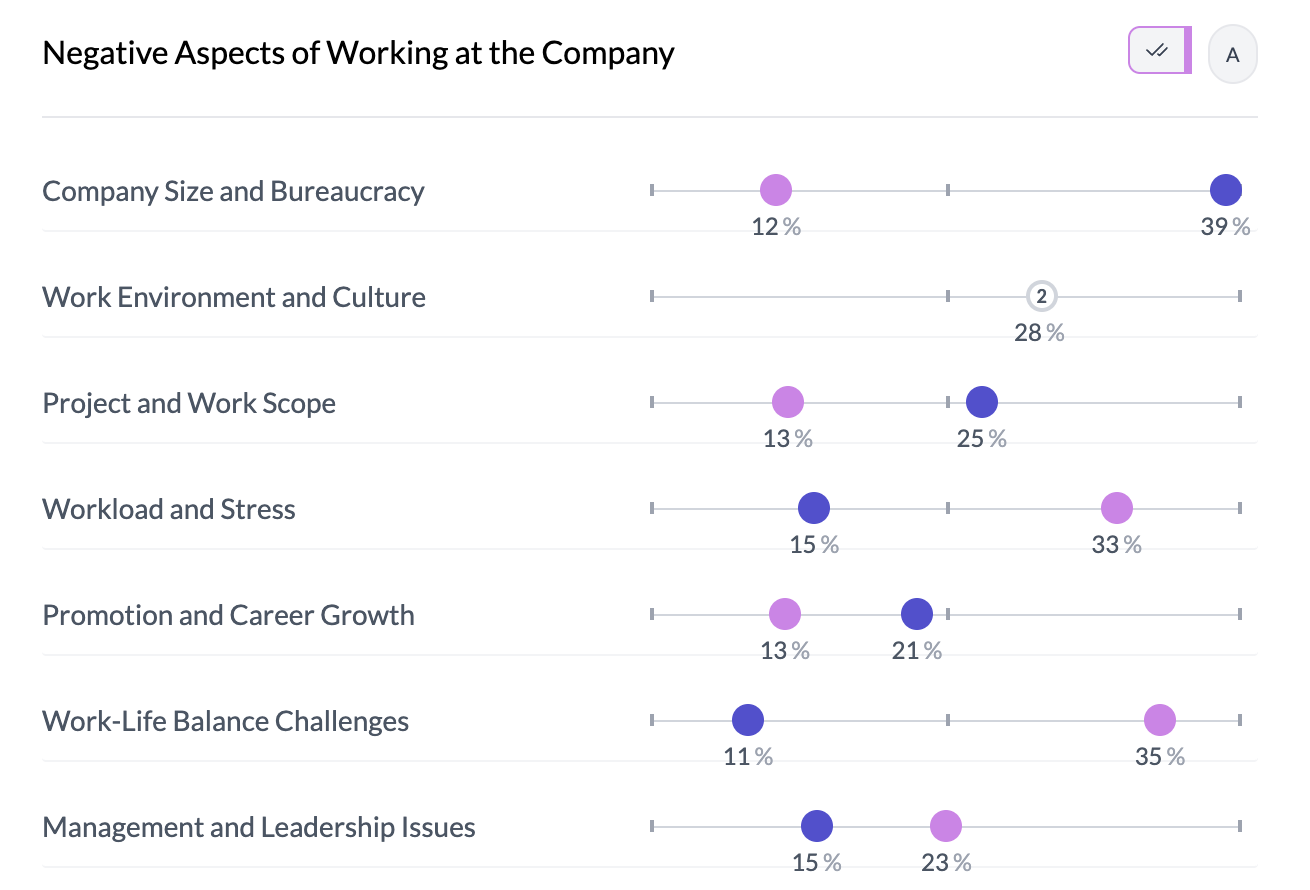
Key points
- One column as dots on a scale; access via More Charts (categorical) or Key Stats + Mean (numeric).
- Position = count or aggregated value; scale can be fixed (e.g. 0–100) or auto.
- For two columns and scale controls, see bubble-dot-plots guide.