


Deliver
Story Dashboards & Insight Hubs
Build page-based Story Dashboards in the product, then publish controlled, explorable Insight Hubs that clients and stakeholders keep using after the debrief.
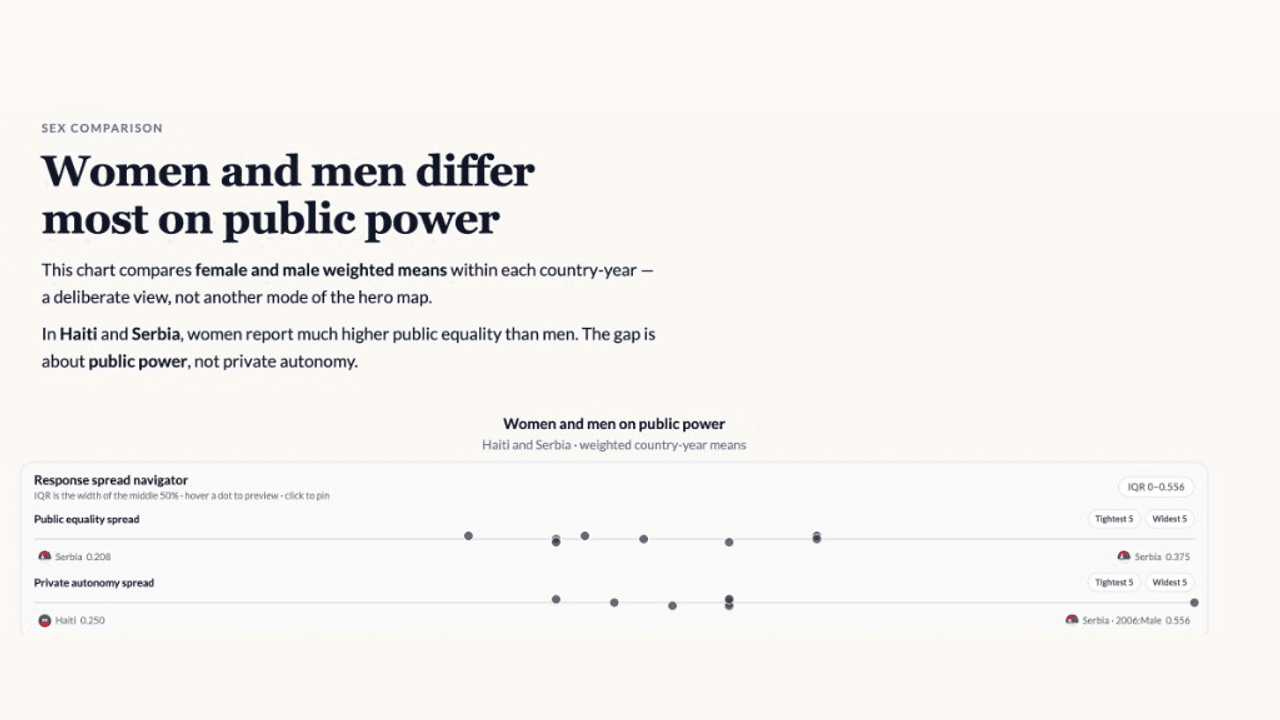
The debrief should not be the last time the research is useful.
Build Story Dashboards in the product—page-based stories with charts, commentary, call-outs, images, and video—then publish them as Insight Hubs for stakeholders. Use grid-based layout, drag-and-resize positioning, and a style editor for colours, typography, and client branding.
Give stakeholders room to explore the approved evidence.
Publish to a public or password-protected URL. Readers can combine filters, inspect tables, and download editable PowerPoint charts after the debrief. Optional Data Explorable mode lets them slice selected columns in a governed view, with Ask Maple available for follow-up questions on the approved dataset.
Keep the analyst's project separate from what gets published.
Save charts from analysis directly to dashboards and build multi-page stories with overviews, deep dives, and appendices. The Hub shares selected findings without turning every follow-up question into an analyst bottleneck; many teams pair it with a PowerPoint export for an ongoing, explorable delivery.
Design the experience around the decision.
An Insight Hub can hold the overview that everyone needs, deeper pages for the people who want to investigate, and appendices for the evidence behind the recommendation. That lets the analyst guide attention without hiding the route back to the underlying tables and comparisons.
For agencies, the Hub extends the value of the readout after the project is delivered. For in-house teams, it gives leaders and adjacent teams a way to revisit the approved story without asking an analyst to rebuild every view from the working project.

“We have shaved a full month off our project timeline in terms of analysis and visualization of our data.”
Read the case study
Questions teams ask
What is an AddMaple Insight Hub?
An Insight Hub is a published, explorable version of a Story Dashboard where stakeholders can review approved research findings through a shared URL.
Can I control what stakeholders explore?
Yes. Hubs can be public or password-protected, and Data Explorable mode can expose selected columns rather than the full analyst workspace.
Can stakeholders ask follow-up questions?
Ask Maple can answer questions on the approved dataset when explorable data is enabled, subject to the applicable product access and plan configuration.
How it works
Step-by-step guides in the AddMaple help center.
- Connect projects to a Story Dashboard
Link team projects as dashboard data sources so charts, filters, and live blocks use the same prepared dataset as your analysis.
- Build your first Insight Hub
Create a Story Dashboard, add pages and charts, publish to a link, and optionally let clients explore selected data on their own after the debrief.
- Share with clients
Publish password-protected Insight Hubs and share links so stakeholders can keep using findings after the readout.
Part of AddMaple's feature areas
This capability sits within broader product areas on the features hub.
- Story Dashboards & Insight Hubs
Continue exploring
Follow the next step in the workflow or explore a related capability.
- Charts, presentations & exportsEditable PowerPoint charts, tables, and data exports — move from finding to stakeholder deliverables without rekeying.
- Controlled sharingShare explorable evidence with controlled access — password-protected Hubs and governed read-only views for stakeholders.
- Embed & share outputsShare chart links in Slack and email, or embed approved outputs in tools such as Notion and websites — distribute findings where teams already work without rebuilding slides.
See this capability on a real research workflow.
Bring one study or delivery workflow and we’ll show where AddMaple fits.